 How-to
How to Maximize Handheld Metal Detector Throughput Capacity
Last Updated: November 15, 2026
Quick Summary
Handheld metal detector throughput capacity is the maximum number of screened people a single lane can process per hour, calculated from scan time plus all surrounding dwell time. Because total dwell time typically runs 5-15 seconds versus a 1-2 second scan, plan lane capacity at 240-700 people per hour rather than from scan speed alone.
- Raw scan time is only 1-2 seconds, but total dwell time typically runs 5-15 seconds per person.
- Alarm recovery adds 10-30 seconds and is the hidden throughput killer at busy gates.
- Never resolve an alarm in the primary lane; move the person to a dedicated secondary screening point.
- Mark a 3-foot standoff zone and place an item removal table 10 feet before the wand.
- Choose a wand under 1.5 pounds and rotate officers every 45 minutes in high-volume settings.
Table of Contents
- Why Handheld Metal Detector Throughput Capacity Decides Your Checkpoint Speed
- The Real Metal Detector Screening Time Per Person (and What Drives It)
- Walk-Through vs. Handheld: Which Delivers More Security Screening Throughput?
- Choosing a Hand Held Metal Detector for Event Staff: What Actually Moves the Line
- Security Screening Best Practices That Protect Both Speed and Accuracy
- Calibrating Your Detectors for the Venue, Not the Showroom
- Planning Your Handheld Metal Detector Deployment With Metal Defender
- Frequently Asked Questions
Why Handheld Metal Detector Throughput Capacity Decides Your Checkpoint Speed
Handheld metal detector throughput capacity is the number of people a screening lane can process per hour, and it sets the ceiling on how fast your entire entry operation moves.
The distinction matters because throughput is rarely a device problem. It is a system problem wearing a device's clothing.
Handheld metal detector throughput capacity is the maximum number of screened individuals a single lane can move through a checkpoint per hour, calculated from scan time plus all surrounding dwell time. That definition is where most planning goes wrong, because teams measure the scan and ignore everything around it.
The Real Metal Detector Screening Time Per Person (and What Drives It)
Screening time per person on a handheld lane depends on the venue and the workflow. The scan itself takes only a fraction of the total. The rest is positioning, communication, and recovery from alarms.
Scan Time vs. Total Dwell Time: The Gap That Creates Queues
A single wand pass is quick. So why does a person occupy the lane for longer?
Because dwell time includes everything: the approach, the pause while the officer asks the visitor to remove items, the scan pattern, the response to an alarm, and the step-through. Multiply that gap by thousands of attendees and you get the difference between a smooth entry and a bottleneck.
The practical formula we use with clients:
| Measurement | Typical Range | What It Tells You |
|---|---|---|
| Raw scan time | 1-2 seconds | Device speed only |
| Total dwell time | 5-15 seconds | Real queue driver |
| Alarm recovery | 10-30 seconds | Hidden throughput killer |
| Lane capacity per hour | 240-700 people | Planning number |
Watch out: planning capacity from scan time alone overstates lane throughput by several times and produces a deployment that fails on its first busy day.
Seven Factors That Limit Throughput Capacity (and How to Fix Each)
These are the levers that actually move the number. For each, we give the mechanism and the fix, not just the label.
- Scan pattern discipline - inconsistent wand technique forces repeat passes. The fix: standardize on a continuous sweep pattern (e.g., shoulder-to-knee, then hip-to-ankle on both sides) and audit it weekly with a spot check.
- False alarm rate - every false alarm triggers secondary screening. The fix: calibrate sensitivity to the venue's threat profile and use a secondary screening point to resolve alarms off the primary lane.
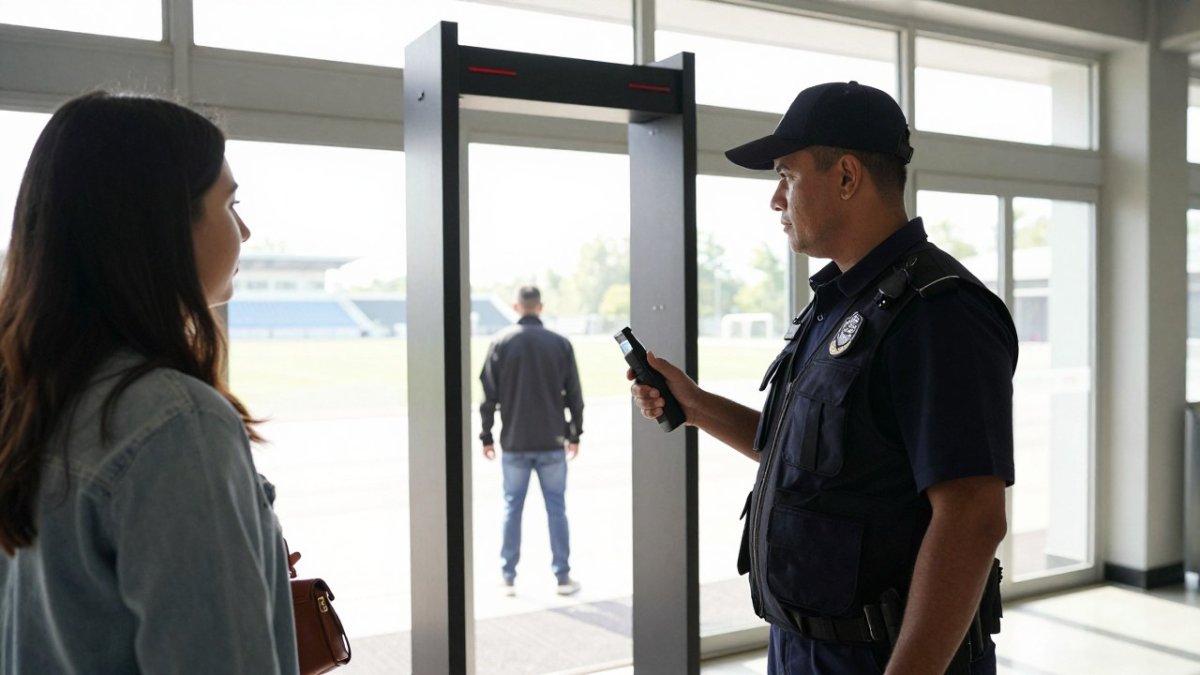
- Staff positioning - officers standing too close slow the approach. The fix: mark a 3-foot standoff zone with tape or a mat so visitors know where to pause.
- Item removal staging - no table for keys and phones means fumbling at the gate. The fix: place a table with a sign 10 feet before the wand so visitors can empty pockets before they reach the officer.
- Queue layout - serpentine lines hide problems but do not solve them. The fix: use a single-file lane with clear stanchion guides and a visible secondary screening area to the side.
- Device ergonomics - a heavy wand tires the operator and slows the back half of a shift. The fix: choose a wand under 1.5 pounds and rotate officers every 45 minutes in high-volume settings.
- Post-alarm workflow - unclear escalation turns a 15-second event into a 60-second one. The fix: implement the two-wand model with a dedicated secondary screening point and a scripted alarm response.
The Bottleneck Analysis: Where Throughput Actually Dies
Most throughput advice focuses on device specs. The real bottleneck is almost always the interaction between the device and the workflow.
The way to find your bottleneck is to time each step of the dwell time across a sample of visitors, then fix the largest constraint first.
In practice, the bottleneck can move as constraints are fixed. Fix item removal and alarm resolution becomes the constraint. Fix alarm resolution and staff positioning becomes the constraint.
For a deeper look at improving checkpoint flow, see our guide on how to improve throughput at security checkpoints.
Typical handheld screening time components and lane capacity
Walk-Through vs. Handheld: Which Delivers More Security Screening Throughput?
Walk-through metal detectors deliver higher raw throughput per lane than handheld wands, but only when the flow is steady and the false alarm rate is controlled.
Walk-through archways can process a continuous stream of people without per-person officer interaction, which suits fixed, high-volume entrances. Handheld wands require an officer per person.
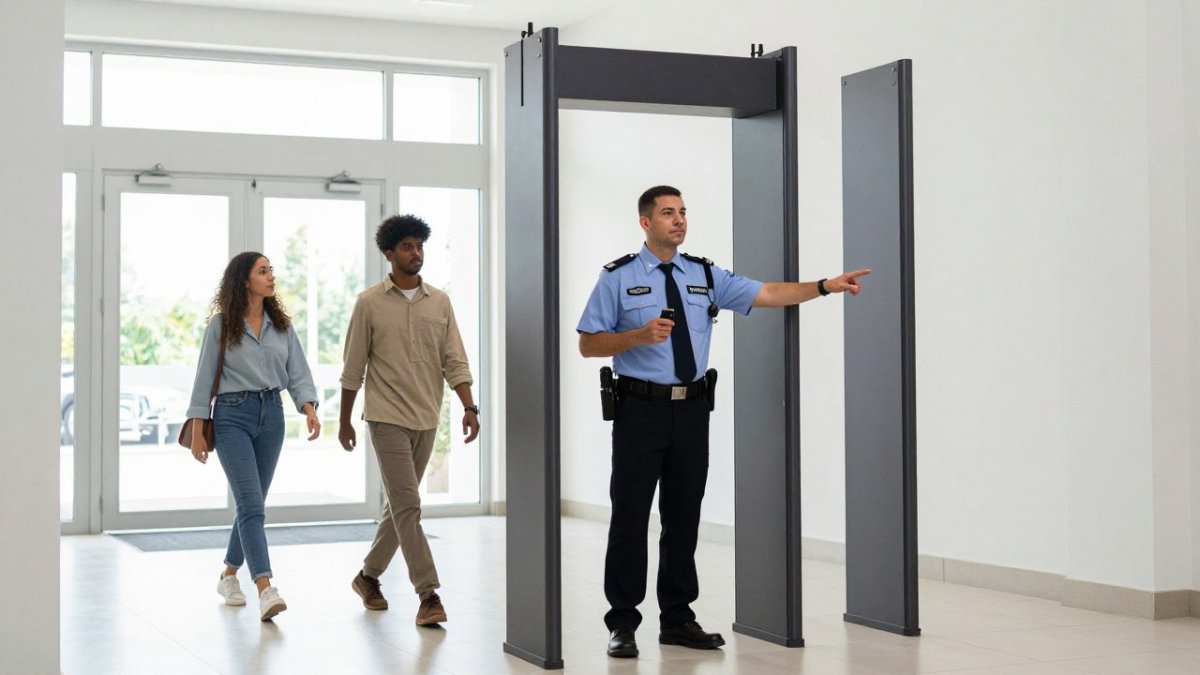
But handheld screening shines where walk-through units cannot go: temporary events, satellite entrances, warehouse floors, and any site where the layout changes week to week.
For a deeper look at improving checkpoint flow, see our guide on how to improve throughput at security checkpoints.
Choosing a Hand Held Metal Detector for Event Staff: What Actually Moves the Line
The best hand held metal detector for event staff is the one your officers can run consistently for a full shift without fatigue, because consistency drives throughput more than raw sensitivity.
What to weigh:
- Weight and balance - a wand held at arm's length for six hours needs to feel light
- Alert type - adjustable sound and vibration alerts let officers work in noisy crowds
- Battery life - battery-powered units must outlast the shift, not just the first rush
- Sensitivity adjustment - the ability to tune detection is what controls false alarms
- Build quality - device reliability under drops and weather matters at outdoor events
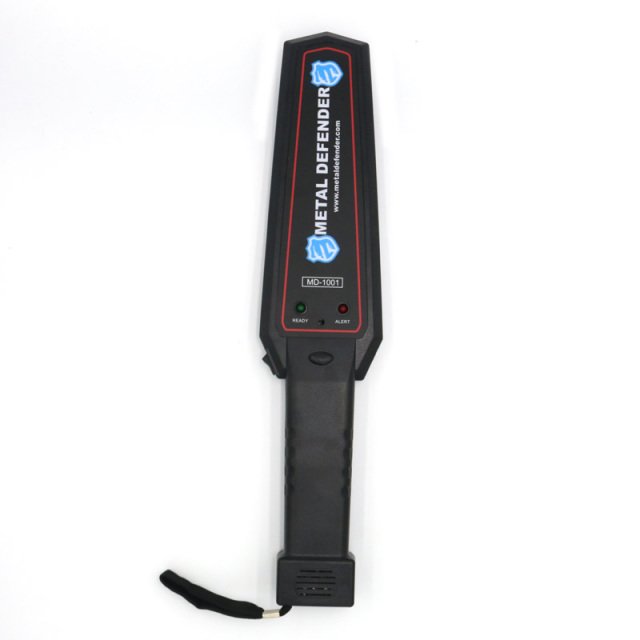
For a full breakdown of event-specific selection, read our handheld metal detector guide for event staff.
Detection Sensitivity, False Alarm Rate, and the Cost of Re-Screening
Detection sensitivity is the setting that decides how small a ferrous or non-ferrous metal object triggers an alert. Turn it up and you catch more, but you also catch belt buckles, jewelry, and phone cases.
Every false alarm costs you a secondary screening event. At a busy gate, that is the single largest hidden drag on throughput.
If false alarms are already your problem, our article on reducing school metal detector false alarms walks through the practical fixes.
Security Screening Best Practices That Protect Both Speed and Accuracy
Checkpoints with strong throughput tend to treat screening as an operational workflow, not just a device function. Speed and accuracy can both be maintained when the process is designed well, and the post-detection workflow is a key part of that design.
Staff Training and Post-Detection Workflow
Training is the cheapest throughput upgrade available. When the post-detection workflow is consistent, the same attention to clear handoffs and reduced bottlenecks can improve throughput across other operations, as The Workplace Equipment Hub connects these principles to production-line efficiency.
A workable post-detection workflow:
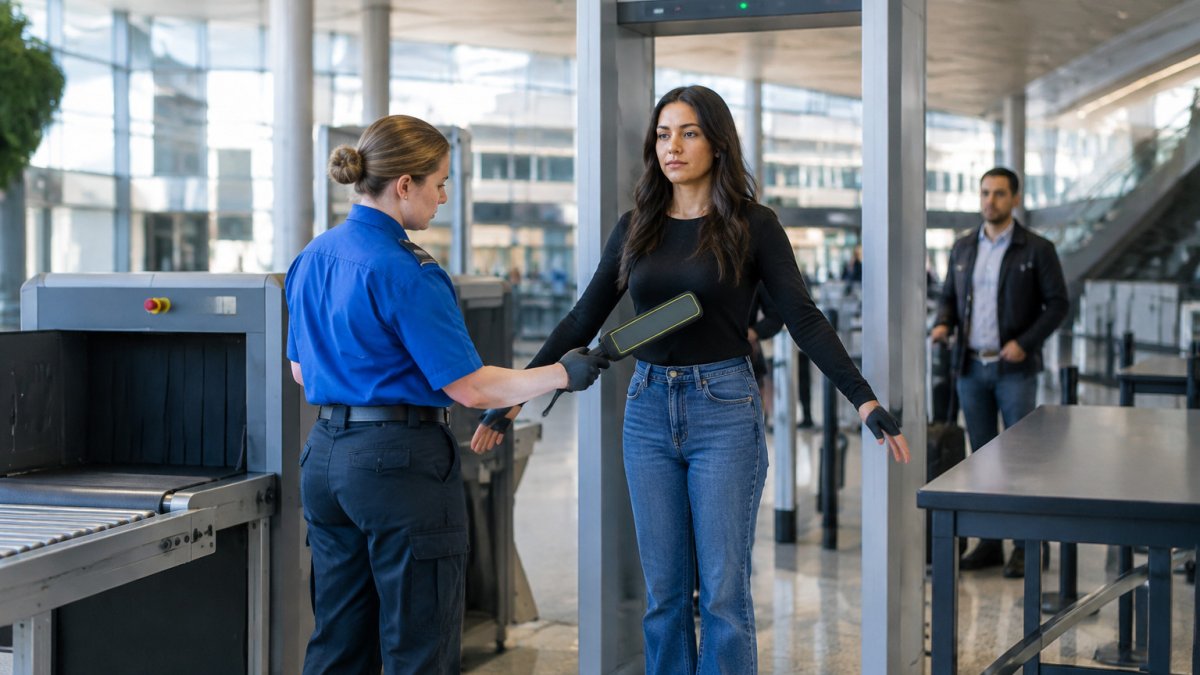
- Alarm sounds, officer asks the visitor to step to the side
- Officer confirms the source with a targeted second pass
- If benign, the visitor is cleared and re-enters the line
- If unclear, the visitor moves to a dedicated secondary screening point
- Secondary point resolves and logs the event
The critical rule: never resolve an alarm in the primary lane. It stops the whole line. Move the person, keep the flow.
Watch out: officers often try to resolve alarms in place to avoid perceived rudeness or because the secondary point is not clearly marked.
The Bottleneck Effect: Why One Alarm Can Cost You 60 Seconds
Most throughput planning assumes alarms are rare. The number of alarms per hour depends on sensitivity settings and the population being screened.
The fix is not to lower sensitivity blindly. It is to design the post-detection workflow so that alarms are resolved off the primary lane.
A common pattern in high-traffic venues is the 'two-wand' model: one officer scans the primary flow, a second officer handles all alarms at a side table.
For a deeper look at improving checkpoint flow, see our guide on how to improve throughput at security checkpoints.
Calibrating Your Detectors for the Venue, Not the Showroom
Calibration is the process of tuning detection sensitivity and alert behavior to the specific environment and threat profile of a site.
Environmental metal is real. Structural steel, wiring, and even nearby vehicles can influence readings. Calibrate on site, test with representative objects, and re-check after any layout change. Battery condition also affects performance, so build a battery check into the start-of-shift routine.
For a detailed calibration routine, see maintaining security screening equipment calibration.
Planning Your Handheld Metal Detector Deployment With Metal Defender
Deployment planning comes down to three numbers: expected peak arrivals per hour, target dwell time per person, and the number of lanes you can staff. Divide arrivals by lane capacity and you have your staffing plan. If the result looks impossible, add lanes or shift to a walk-through primary screen.
Metal Defender offers both walk-through and handheld detection, with direct sales, leasing, and rental options. Optional accessories are also available. For current options and a quote, contact us for your ordering and rental needs.
When you are ready to browse models, you can explore handheld metal detector options and match a unit to your lane plan.
The bottleneck at your gate is rarely the detector. It is the workflow around it.
Frequently Asked Questions
How does a handheld metal detector affect security screening throughput?
A handheld metal detector adds a manual step to every entry, so throughput depends on how fast staff can scan and clear each person. A single wand pass takes a few seconds, but the total time per person includes approach, scan, and any secondary screening for alarms. With one officer per lane, most checkpoints process far fewer people per hour than a walk-through lane. Adding officers, pre-screening bags, and tightening calibration for the venue are the main levers for raising handheld metal detector throughput.
What is the average screening time per person using a handheld metal detector?
The scan itself usually takes a few seconds per side, but the metal detector screening time per person includes greeting, positioning, the wand pass, and clearing anyone who alarms. In practice, budget more time per person than the raw scan, because false alarms and bag checks add delay. Measure your own checkpoint during a slow period: time 20 consecutive entries from approach to clear, and use that average to size staffing and lane counts for peak entry.
Are handheld metal detectors faster than walk-through metal detectors?
Not for pure volume. A walk-through metal detector can clear compliant visitors quickly, so it moves crowds faster when most people carry nothing prohibited. Handheld units win on flexibility: they can be deployed in varied locations and suit temporary or roving screening. Many venues combine both, using walk-through units for main entry lanes and handheld wands for secondary screening, bag lines, and overflow. Match the device to the lane, not the other way around.
How can event staff improve throughput capacity during peak entry times?
Open more lanes with dedicated staff per lane, pre-screen bags and remove belts and keys before the scan, and position officers so each one scans while the next visitor steps up. Calibrate sensitivity to the venue so belt buckles and jewelry stop triggering repeat passes. Keep a separate secondary screening area so an alarm does not block the main line. These steps raise hand held metal detector throughput without buying new equipment, and they are the core of most security screening best practices.