 How-to
How Do You Compare Metal Detector Brands for Security?
Quick Summary
To compare metal detector brands for security, first define your screening requirements such as peak throughput, deployment type, and target objects. Then test each unit under one standardized protocol using identical test objects, and compare detection rates, false alarm rates, throughput, and support in a single table.
- Write down peak people per hour, deployment type, target objects, staffing, and compliance rules before comparing brands.
- Decide between walk-through and hand-held units based on your entry volume and whether the site needs a fixed frame.
- Use one test kit and one written procedure, running 20 passes per object at center, left, and right positions.
- Calculate detection rate per object and false alarm rate per clean pass from your own test log.
- Score every vendor on the same criteria, weighted in advance, and require support commitments in writing.
Table of Contents
- Start With Your Screening Requirements, Not the Brand List
- Choosing Between Walk-Through and Handheld Metal Detectors
- Comparing Detection Performance Under Standardized Test Conditions
- Measuring Throughput, Alarm Rates and Deployment Capacity
- Building an Apples-to-Apples Brand Comparison Table
- Installation, Maintenance and Total Cost of Ownership
- Booking a Demo, Trial or Rental Before You Commit
- Frequently Asked Questions
Start With Your Screening Requirements, Not the Brand List
Most buyers start by asking which of the metal detector brands is best. That's the wrong first question. The right one is what your screening site actually needs. A school entrance, a warehouse checkpoint, and a courthouse lobby each call for different detection performance, throughput, and support. The evaluation below works for any of the metal detector brands you consider.
Write down your screening scenario before you open a single spec sheet. Note how many people pass through per hour, whether the screening point is permanent or temporary, and what objects you need to catch.
Use this quick checklist to define your requirements:
- Peak throughput: people per hour at your busiest entry point
- Deployment type: permanent, temporary, or portable
- Target objects: weapons, tools, or general metal items
- Staffing: how many operators you can dedicate to screening
- Compliance: any regulatory or procurement rules that apply
Once these answers are in writing, the brand comparison becomes much simpler. You can judge each option against your actual needs rather than against marketing claims.
Choosing Between Walk-Through and Handheld Metal Detectors
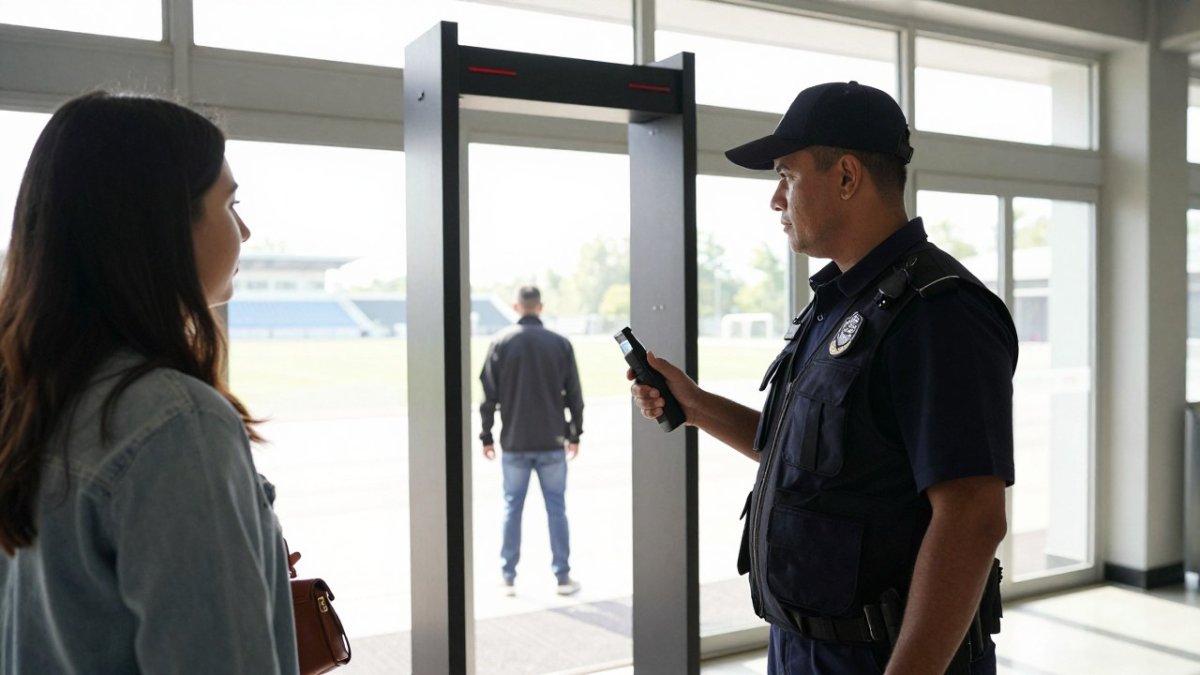
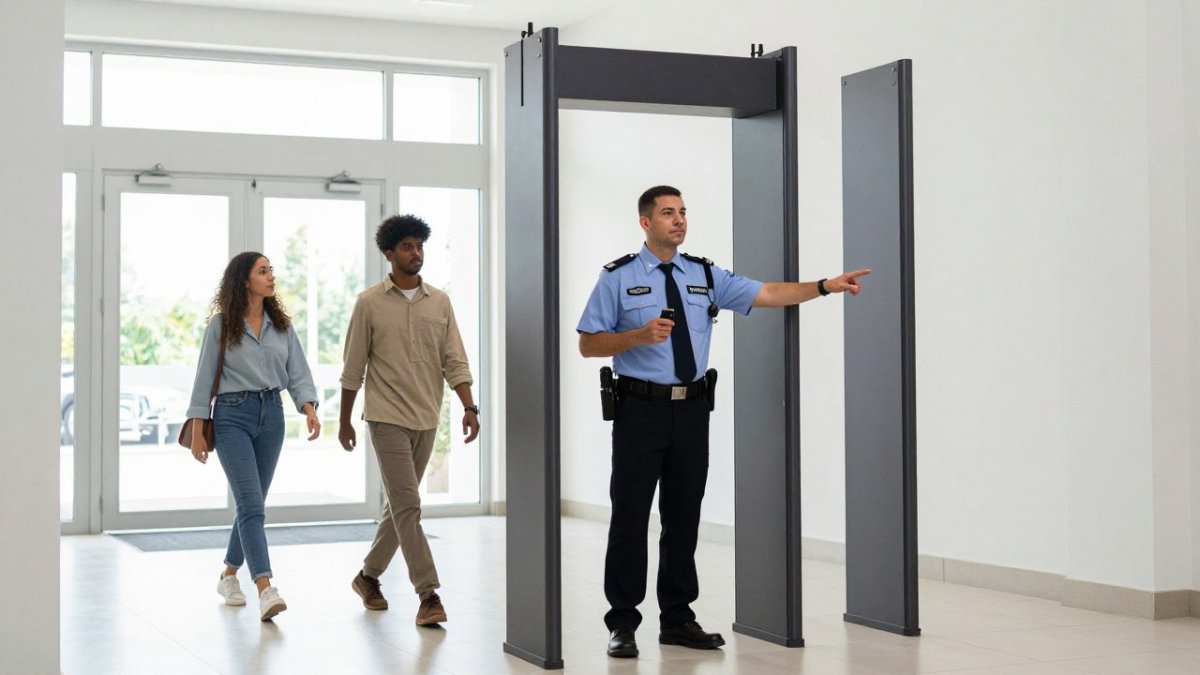
The first real decision is form factor. Walk-through detectors suit high-volume entry points where every person passes through the same gate. Hand-held wands suit spot checks, event entrances with overflow, or sites where a fixed frame won't fit. Many facilities end up using both.
Walk-through units screen people quickly and consistently, which matters when throughput drives your queue length. They need floor space, power, and a stable installation. Hand-held units cost less to start with, move easily between locations, and let one officer screen someone in seconds. Their weakness is that screening depends more on the operator's technique.
Metal Defender offers both walk-through and hand-wand metal detectors, so you can compare form factors within one vendor relationship. If you're weighing the walk-through range, the Walk-Through Metal Detectors page shows the current lineup. For a portable option or a supplement to a fixed gate, the Handheld Metal Detector Wand range is worth reviewing side by side.
Watch out: Buying walk-through units for a site that only needs occasional spot checks wastes capital. Conversely, relying on hand-held wands at a high-volume gate creates bottlenecks and inconsistent screening.
Reading Detection Zones and Detection Depth
Manufacturers describe detection capability using zones and depth, and these terms are not always defined the same way. A walk-through unit may advertise multiple detection zones across its height, while a hand-held wand's detection range depends on target size and orientation.
When you compare brands, ask each vendor to define three things: the detection zone layout, the minimum target size they can reliably detect, and how detection changes with target orientation. A small object held flat may read very differently from the same object held edge-on. These details matter more than headline sensitivity numbers, because they determine whether a concealed item actually gets caught.
Request written definitions from every vendor on your shortlist. If one vendor's terms don't map cleanly onto another's, note that gap in your comparison rather than assuming the numbers are equivalent.
Comparing Detection Performance Under Standardized Test Conditions
Detection performance is where brand comparisons most often break down.
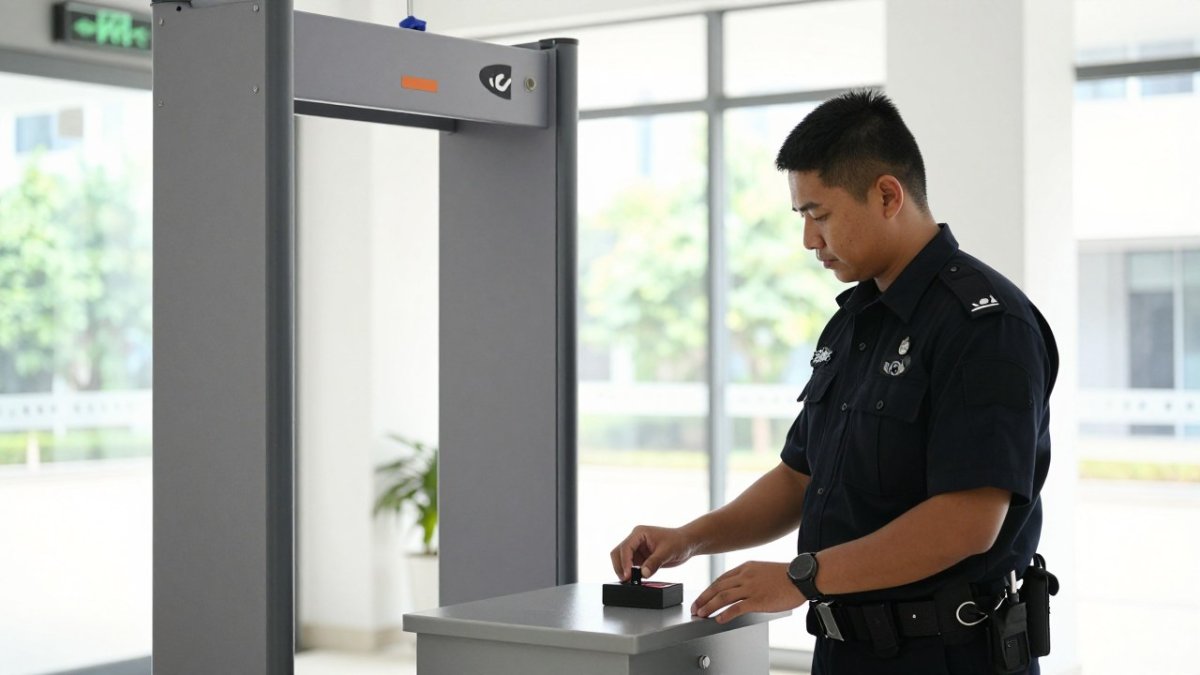
Build a test kit before you contact any vendor. A practical kit includes a small steel pocketknife, a set of keys, a smartphone, a belt buckle, a coin, and a short length of wire.
Define the test procedure in writing so every vendor demo follows the same steps:
- Calibrate each unit using the manufacturer's standard procedure and record the calibration settings.
- Pass each test object through the detection area at three positions: center, left edge, and right edge of the aperture.
- Test each object in two orientations: flat and edge-on, since a small blade held edge-on presents a much smaller cross-section.
- Run a defined number of passes per object, 20 is a common minimum, and log every detection and every miss.
- Between passes, walk through with no metal to record false alarms from clothing, footwear, and nearby equipment.
Record results in a simple grid: object, position, orientation, passes, detections, misses, and false alarms.
Detection zone layout deserves the same scrutiny.
Operating environment changes results, so repeat the protocol at your own site. A unit tested in a vendor showroom may behave differently near steel doors, rebar in concrete, or nearby electrical equipment.
Watch out: a vendor demo that uses only the vendor's own test objects and pass criteria tells you almost nothing about comparative performance.
Measuring Throughput, Alarm Rates and Deployment Capacity
Throughput and alarm rate work together. A detector that screens quickly but triggers constant alarms slows your entrance just as much as a slow one. Your job is to find the balance that fits your peak load.
Start with the number you recorded earlier: peak people per hour. Because real throughput depends on accounting for delays rather than relying on theoretical capacity, the same distinction matters when reviewing high speed packaging machines.
Deployment capacity matters too. Count how many units you need to handle peak load with a safety margin. Consider whether you can redeploy units between sites. Warehouse operations managers managing several locations often value portability, while event venues value fast setup and teardown.
Ask each vendor for expected throughput at a stated alarm rate. Vendors who can't give you that number have not given you a usable comparison.
Building an Apples-to-Apples Brand Comparison Table
Once you have test data, quotes, and demo notes, put everything into one table. Using identical columns for every one of the metal detector brands is what prevents marketing language from driving the decision.
| Criterion | What to Record | Why It Matters |
|---|---|---|
| Form factor | Walk-through, hand-held, or both | Matches your deployment type |
| Detection zones | Zone count, layout, and minimum target size per zone | Determines what gets caught and where |
| Test results | Detection rate and false alarm rate from your protocol | Shows real performance under your conditions |
| Throughput | People per hour at a stated alarm rate | Drives queue length and staffing |
| Price model | Purchase, lease, or rental, with terms | Affects upfront and lifecycle cost |
| Installation | Site prep, power, and who performs install | Affects timeline and hidden cost |
| Maintenance | Routine service interval and parts availability | Limits downtime risk |
| Support | Response time and service commitments in writing | Determines recovery speed after failure |
| Compliance | Documentation provided for procurement | Supports approval and audit |
| References | Comparable sites you can call | Verifies vendor claims |
Score each criterion on a consistent scale, such as 1 to 5, and weight the criteria by how much they matter at your site. A school might weight false alarm rate and operator ease heavily, while a warehouse might weight durability, portability, and service response more.
A vendor-neutral procurement checklist keeps the comparison honest. Ask every vendor the same questions and record the answers verbatim:
- What is the documented detection rate for a small steel blade at the center and edges of the aperture?
- What is the expected false alarm rate in a crowd carrying phones, keys, and belt buckles?
- What throughput do you guarantee at that alarm rate, and under what staffing assumption?
- What does installation require from my site, and who performs it?
- What is the routine maintenance interval, and what parts are consumable?
- What is the written service response time, and what happens if a unit goes offline?
- Can you provide two reference sites with similar traffic and environment?
- What documentation will you supply for procurement and compliance review?
Metal Defender offers flexible acquisition, including direct sales, leasing, and rentals, along with optional accessories. Record those options in the same format as every other vendor so the acquisition model is compared on equal terms rather than treated as a separate category.
Watch out: a comparison table filled with vendor-supplied specifications rather than your own test data and written answers is just a reformatted brochure.
Installation, Maintenance and Total Cost of Ownership
The purchase price is only one part of cost. Installation, maintenance, and support over the life of the equipment often matter as much. A cheaper unit that needs frequent service can cost more over three years than a pricier unit with strong support.
Ask each vendor these questions:
- What does installation require, and who performs it?
- What routine maintenance does the unit need, and how often?
- What is the response time for a service call?
- Are replacement parts and accessories available, and at what cost?
- What happens to screening if a unit goes offline?
Many buyers overlook the last question. Plan for redundancy, such as keeping a hand-held backup for a walk-through gate, so a single failure doesn't stop entry. Vendors vary in how quickly they can restore service, so ask for specific commitments rather than general assurances.
Pricing depends on quantity, delivery timing, and the acquisition model you choose. For current prices or a quote, contact Metal Defender directly. Compare quotes on total cost over the expected service life, including maintenance and any rental or leasing fees.
Booking a Demo, Trial or Rental Before You Commit
The most reliable way to compare brands is to test them at your own site. A demo or trial shows how a unit performs in your actual environment, with your staff and your traffic pattern.
Plan your trial around the protocol you set earlier. Use the same test objects, record the same metrics, and involve the officers who will operate the equipment daily. Their feedback on ease of use and operator comfort often reveals problems that spec sheets miss.
Metal Defender offers rental and leasing options, which can help you evaluate equipment before committing to a purchase. Contact the company directly to discuss terms and availability for your location.
Before you decide, confirm the following in writing:
- The trial or rental period and what it includes
- Who handles installation, removal, and any repairs during the trial
- Whether the trial cost applies toward a later purchase
Once you've tested your shortlist and scored each option, the choice usually becomes clear. Contact Metal Defender for your ordering and rental needs.
Last Updated: November 14, 2026
Frequently Asked Questions
How do you compare walk-through metal detectors?
Compare them on the same criteria: detection performance against a defined test object, detection zones and their coverage, throughput at your expected peak volume, false alarm rate in your actual environment, installation requirements, maintenance and support terms, and total cost over the expected service life. Ask every vendor for results against identical test conditions, and ask for references from sites similar to yours. Pricing depends on quantity, configuration and service terms, so request a written quote for each brand rather than relying on list prices or general estimates.
Which features matter most when choosing a security metal detector?
Prioritise detection performance for the objects you actually need to find, the number and layout of detection zones, throughput at peak flow, and the false alarm rate in your setting. Operator controls, sensitivity adjustment, and ease of recalibration matter for staff training. Also check durability for high-traffic use, warranty length, and whether service technicians can respond quickly. Features like software integration are useful only if they solve a problem you have.
How accurate are walk-through metal detectors?
Accuracy depends on the target size, orientation, the sensitivity setting, and the operating environment, so no single figure applies to every site. Ask vendors for detection results under standardised test conditions, and run a site trial with objects representative of your threat profile. Track false alarms over a defined period to see how often staff must resolve alarms. Treat any accuracy claim without stated test conditions as incomplete.
What should a facility consider when comparing metal detector brands?
Start with your screening requirements: the population screened, peak throughput, indoor or outdoor use, and budget structure. Then compare brands on performance, throughput, installation and maintenance needs, support response times, compliance with your local regulations, and privacy and accessibility requirements. Request a demonstration or trial, and check the references from comparable facilities. Compare total cost of ownership, not just the purchase or rental price.