 How-to
How to Deploy Metal Detection Solutions for Public Facilities
Last Updated: November 12, 2026
Quick Summary
Deploy metal detection solutions for public facilities by starting with a facility risk assessment, then matching the tool to each entrance: walk-through archways for main entrances with steady daily traffic and hand-held wands for side doors and spot checks. Rent for temporary events and buy for daily screening, and write screening procedures before the first shift.
- Map entrances, floor space, power access, and queue room before requesting any detector quote.
- Fixed walk-through lanes suit single main entrances with daily screening and assigned staff.
- Renting walk-through units fits event venues, seasonal peaks, and pilot programs.
- Government procurement files should hold specifications, vendor test records, site test results, and training records.
- Plan one archway guard and one secondary screening guard once a lane exceeds a steady trickle.
Table of Contents
- Start With a Facility Risk Assessment Before You Buy Anything
- Walk-Through Security Metal Detectors: When a Fixed Lane Makes Sense
- Hand-Held Versus Walk-Through: Matching the Detector to the Entrance
- Walk-Through Metal Detectors for Rent: Temporary Screening for Events and Peak Periods
- Metal Detectors for Government Buildings: Compliance, Procurement, and Access Control
- Metal Detector Screening Procedures That Keep Lines Moving
- Cutting False Alarms and Resolving Them Without Stalling the Queue
- Plan Your Screening Deployment With Metal Defender
- Frequently Asked Questions
Start With a Facility Risk Assessment Before You Buy Anything
Most facilities buy detectors backwards. They pick a model, install it, then discover the entrance can't handle the queue.
A facility risk assessment is a structured review of who enters your building, what they carry, and where a screening checkpoint can physically sit. It answers three questions before anyone quotes a detector:
- Who comes through? Visitors, staff, students, contractors, or all four?
- What are you screening for? Weapons, prohibited items, or internal theft?
- Where can a lane go? Door width, floor space, power access, and queue room.
Walk the building with a clipboard, not a catalog. Count entrances, note which ones have a clear path for a detector archway, and mark where a queue would form without blocking a fire exit.
Watch out: buying on price before mapping the entrance is the most common mistake we see. A cheap unit that creates a bottleneck costs more in staffing than it saved.
Walk-Through Security Metal Detectors: When a Fixed Lane Makes Sense
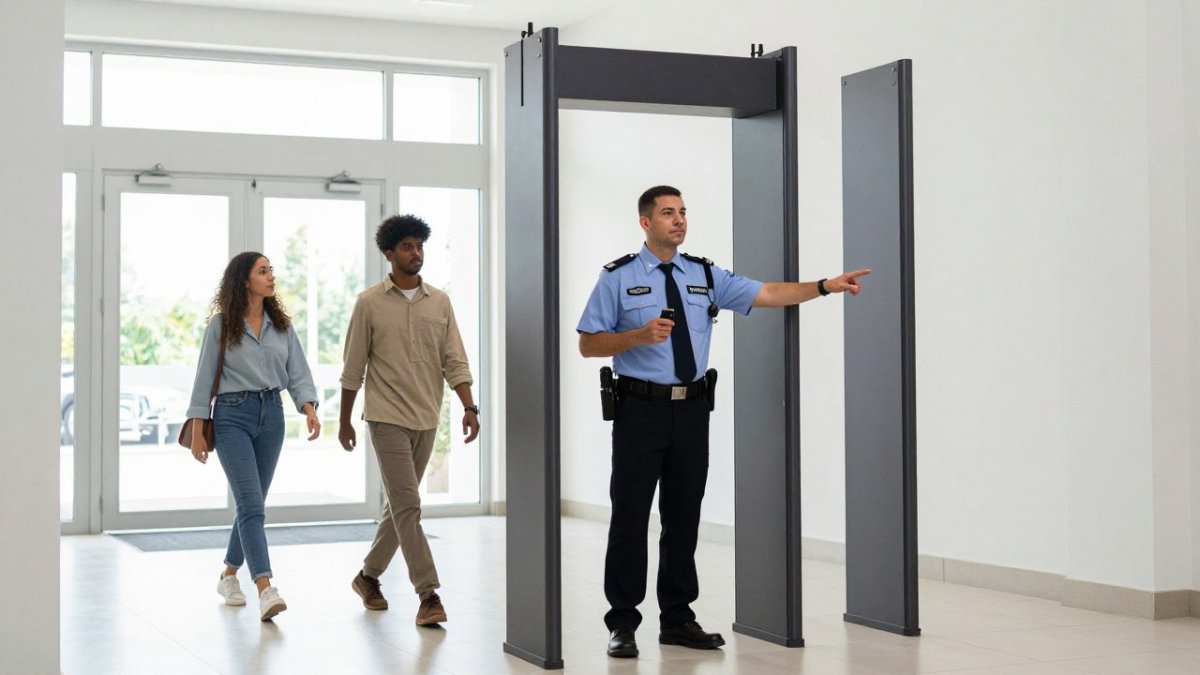
A fixed walk-through lane makes sense when your entrance sees steady daily traffic and you need consistent screening at one controlled point.
Fixed lanes pay off in three situations:
- A single main entrance handles most foot traffic
- Screening runs every day, not just on event days
- You have staff assigned to the checkpoint
For schools, courthouses, and government lobbies, a permanent archway sets a clear expectation. Everyone passes through. No judgment calls at the door.
The trade-off is flexibility. A fixed lane stays where you bolt it. If your traffic pattern shifts, you're moving equipment, not just staff.
If a fixed lane fits your building, the MD6 6 Zone Walk Through Metal Detector is built for exactly this kind of permanent checkpoint.
Hand-Held Versus Walk-Through: Matching the Detector to the Entrance
Hand-held detectors win at low-volume or secondary entrances. Walk-through units win at main entrances with steady flow.
| Entrance Type | Best Tool | Why |
|---|---|---|
| Main entrance, daily traffic | Walk-through archway | Screens everyone without stopping each person |
| Side door, staff only | Hand-held wand | Fast, portable, no install |
| Event gate, rotating crowds | Hand-held or rental archway | Scales up and down with the crowd |
| Warehouse floor exit | Hand-held wand | Spot checks without slowing shifts |
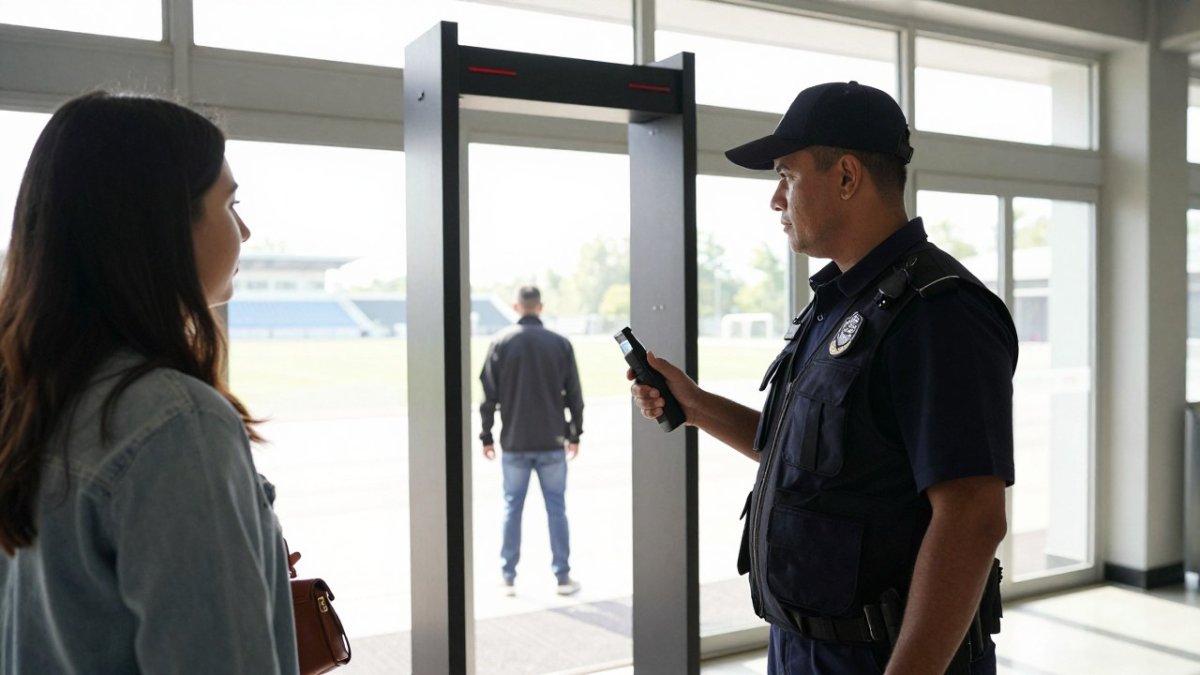
Hand-held metal detectors are portable, affordable, and easy to redeploy. A guard can wand a bag or a visitor in seconds.
Walk-through units screen faster at volume but need floor space and power. Neither tool is "better." The entrance decides.
For secondary doors and spot checks, see the handheld metal detector wand range.
Walk-Through Metal Detectors for Rent: Temporary Screening for Events and Peak Periods
Renting beats buying when screening is temporary. Walk-through metal detectors for rent fit event venues, seasonal peaks, and pilot programs where a capital purchase doesn't make sense yet.
Rental works well for:
- Stadiums and arenas on event days
- Schools running a trial before a permanent install
- Warehouses during high-risk periods like inventory season
The math is simple. If you screen for two weeks a year, renting avoids storing and maintaining equipment the other fifty weeks.
Renting also lets you test a lane before committing. Run a rental through one event, watch the queue, then decide.
Metal Defender offers rental and leasing options alongside direct sales, which means you can match the acquisition method to the actual need. Explore the rental options to see how temporary screening is priced and delivered.
Metal Detectors for Government Buildings: Compliance, Procurement, and Access Control
Government buildings carry a different burden. Metal detectors for government buildings must meet procurement rules, documented standards, and access control requirements that a private venue never faces. The gap most procurement guides leave open is the practical one: what to actually ask for, how to test it, and how to document the decision so it survives an audit.
Build a procurement checklist before you talk to vendors
A neutral checklist keeps the evaluation comparable across bidders. At minimum, require written answers to these items:
- Detection performance. Which test objects and test procedures were used to establish sensitivity? Ask for the test method, not just a sensitivity number.
- Zone coverage. How many detection zones, and what does each zone report? Zone count affects how quickly a guard can resolve an alarm.
- Certifications and test records. Which recognized standards apply to the equipment, and can the vendor supply current test documentation?
Reference recognized standards and testing protocols
Procurement teams do not need to become engineers, but they should know which standards to cite. The DHS report on walk-through weapons screening systems is a useful starting reference.
Beyond the DHS reference, ask vendors which recognized testing protocols their equipment has been evaluated against and request the supporting documentation. A vendor that cannot produce test records is a risk to the procurement file, regardless of the unit's price.
Test before you commit
A specification on paper is not the same as performance at your door. Where possible, require a site demonstration or short trial with your own test objects, a representative set of prohibited items and common benign items like keys, phones, and belt buckles.
Watch out: accepting a demonstration on a vendor's demo floor without testing at your actual entrance can hide site-specific problems, floor vibration, nearby metal structures, or power quality can all change detector behavior.
Document the decision for the audit file
Public buildings face liability exposure, and a documented screening procedure protects the facility as much as the detector does. Keep the following in the procurement file:
- The written specifications you issued
- Each vendor's written responses and test records
- The site test results, including alarm behavior on threat and benign items
That file is what an auditor or a liability review will ask for. Building it during procurement is far easier than reconstructing it afterward.
Tie the checkpoint to access control
The detector is one layer. Government buildings typically combine it with visitor logging, badge issuance, and escort policies. Confirm before purchase how the checkpoint ties into those systems, whether alarms are logged in the same incident system, whether visitor data is captured at the lane, and who reviews the records. For a deeper walkthrough of compliance and access control, read security screening equipment for government buildings.
Metal Detector Screening Procedures That Keep Lines Moving
Screening procedures decide throughput more than the hardware does. A clear procedure moves people through in seconds. A vague one turns every alarm into a debate. The strongest programs treat the checkpoint as a small operation with defined roles, a posted standard, and a feedback loop, not a guard improvising at a door.
Define the lane before the first shift
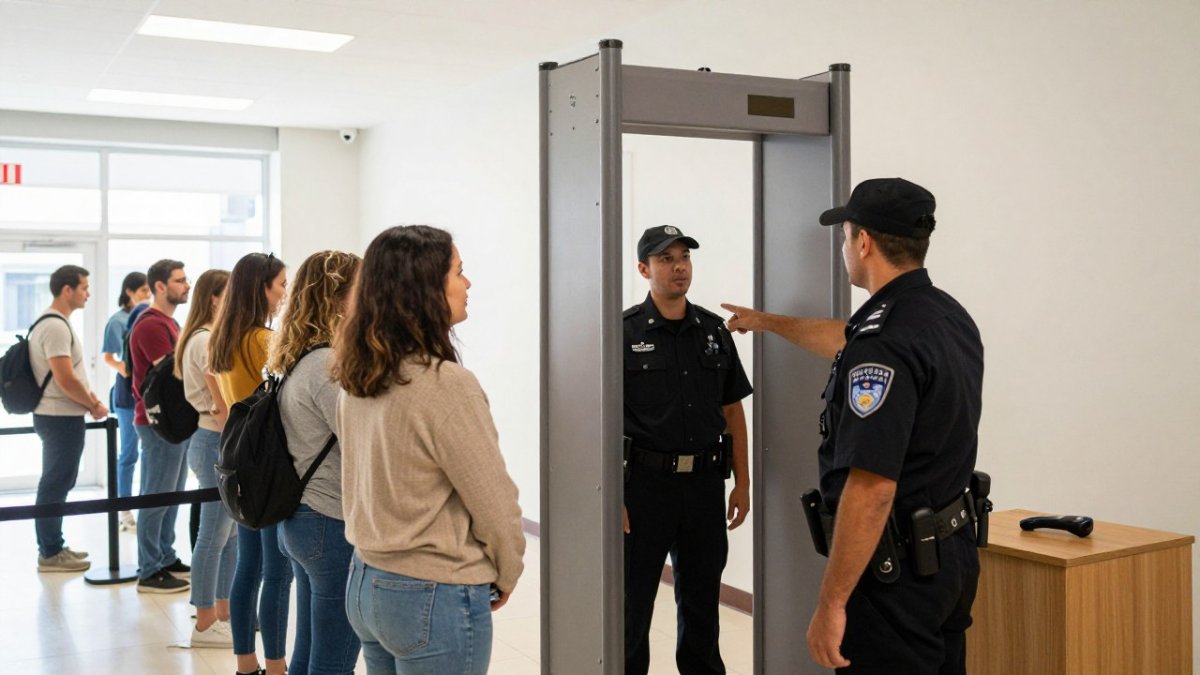
Write the procedure down and post it where staff can see it. A workable lane procedure covers five elements:
- Approach and signage. Post prohibited items at the head of the queue, not at the archway. Visitors who learn the rules while waiting arrive at the tray station ready.
- Divestment station. A table with trays for keys, phones, belts, coins, and laptops sits before the detector. Most alarms trace to items still in pockets, so divestment is the highest-leverage step in the whole lane.
- Primary screening. One person through the archway at a time at a measured pace. The guard at the archway watches the zone indicators, not the visitor's face.
- Secondary screening. A second guard handles alarms at a side table with a hand-held wand. Separating resolution from the main lane keeps the queue moving while an alarm is cleared.
- Documentation. Log every alarm, the cause if identified, and the resolution. Patterns in the log tell you whether to adjust sensitivity, add signage, or retrain staff.
Staff the lane to the procedure, not the other way around
A single-guard lane works only at low volume. As a rule of thumb, most practitioners plan one guard on the archway and one on secondary screening once a lane exceeds a steady trickle of visitors. At event peaks, add a third staffer to manage the queue and direct visitors to the divestment station.
Staff responsibilities should be written, not assumed:
- Archway guard: monitor zone alerts, control pace, greet visitors.
- Secondary guard: wand alarms, run the resolution script, log outcomes.
- Queue manager (peak only): keep the line orderly, answer questions, direct divestment.
Set a target pace and measure it
A target pace turns procedure into something you can manage. Pick a realistic throughput goal for your entrance, for example, a steady flow of visitors per minute during peak, and time the lane during the first week.
Watch out: a procedure that looks efficient on paper can fail at the door if staff were never trained on it. Run a dry rehearsal with staff acting as visitors before the first live day, and correct the lane layout then, not during a morning rush.
Connect procedure to detector settings
Procedure and equipment settings are one system. Multi-zone detectors report roughly where on the body the alarm triggered, which lets the secondary guard target the wand pass and clear the alarm faster. If your detector supports adjustable zone sensitivity, tune zones to your visitor profile, a lobby full of belt buckles and phones needs different settings than a school entrance. For more detail on pace and layout, see how to improve throughput at security checkpoints.
Train, audit, and revise
Procedure is not a one-time document. A common pattern in public facilities is a quarterly review: re-time the lane, read the alarm log, retrain on any step that drifted, and update signage if new prohibited items appear. Facilities that skip the review slowly lose the procedure to improvisation, and throughput drops without anyone noticing why.
Cutting False Alarms and Resolving Them Without Stalling the Queue
False alarms are the number one complaint we hear from schools and venues. Keys, belt buckles, and phones set off detectors constantly, and each alarm stalls the line.
The fix is a mix of equipment settings and procedure:
- Adjust sensitivity by zone. Not every entrance needs maximum sensitivity.
- Use the tray station. Most alarms trace to items still in pockets.
- Train a script. "Please step aside, sir" beats an argument at the door.
Watch out: turning sensitivity down to kill alarms also lowers detection capability. Tune the zones, don't just dial it back.
A detector with multiple detection zones helps here. Zone-based alerts tell the guard roughly where the metal is, which speeds resolution and cuts guesswork.
Plan Your Screening Deployment With Metal Defender
Deployment is a project, not a purchase.
Metal Defender builds walk-through and hand-held metal detection solutions for public facilities, and we support the deployment side, not just the sale.
Start with the risk assessment. Then match the tool to the entrance. Then train the procedure.
Contact us for your ordering and rental needs, and we'll help you plan the lane before you commit to it.
Too many facilities install a detector and hope the queue sorts itself out. It doesn't.
Frequently Asked Questions
What types of metal detectors are used in public facilities?
Public facilities generally use two types: walk-through metal detectors for fixed, high-volume entrances and hand-held wands for secondary screening, roving patrols, and low-traffic doors. Walk-through units screen everyone who passes through a lane, while hand-held detectors let officers confirm a specific alarm or check a visitor at an entrance that does not justify a full lane. Many sites run both together, with the walk-through unit doing the primary screening and the wand resolving alarms.
Can public facilities rent walk-through metal detectors instead of buying?
Yes. Rental is common for event venues, temporary entrances, and facilities waiting on a capital budget. Rentals typically cover the screening period you need, and the units arrive ready to deploy with minimal setup. For a stadium hosting a season of events or a school piloting screening before a permanent purchase, renting lets you test throughput, staffing levels, and false-alarm rates before committing to a full rollout.
How do you choose metal detection solutions for a government building?
Start with the entrances that need screening and the volume each one handles, then confirm the equipment meets the procurement and compliance requirements your agency applies. Ask suppliers for detection specifications, testing documentation, and support terms in writing. Factor in staff training, maintenance response times, and how alarms are resolved. A short trial at one entrance often reveals more than a specification sheet, especially for false-alarm rates and visitor throughput.
What training do staff need to operate security metal detectors?
Staff need training on the specific equipment, alarm-resolution steps, and your facility's screening policy. That covers how to position visitors through a walk-through lane, how to wand someone respectfully, what to do when a prohibited item is found, and how to keep the line moving during busy periods. Refresher sessions matter because inconsistent procedure is a leading cause of both false alarms and long queues. Ask your supplier what training and documentation they provide.