 how-to
Maintaining Security Screening Equipment Calibration
Table of Contents
- Why Screening Equipment Calibration Protects Accuracy and Safety
- Security Equipment Calibration Checklist
- Calibration Frequency for Security Equipment: Setting Risk-Based Intervals
- Walk-Through Metal Detector Maintenance That Prevents Drift
- Calibration Records and Documentation for Audit Readiness
- Out-of-Tolerance Results: Escalation and Corrective Maintenance
- Conclusion
- Frequently Asked Questions
Last Updated: October 18, 2026
Why Screening Equipment Calibration Protects Accuracy and Safety
Maintaining security screening equipment calibration means checking and adjusting walk-through and hand-held metal detectors against certified reference standards so they detect what they should, at the sensitivity you set, every day.
A walk-through metal detector is a measuring instrument, and like any instrument it loses accuracy over time from vibration, temperature swings, knocks, and heavy traffic. Nobody notices the drift until an incident review or an audit asks for proof.
Calibration, Verification, and Maintenance: What Each One Covers
These three terms get used interchangeably, which causes real problems. They are different jobs with different records.
- Calibration adjusts the equipment against a certified standard and documents the result. It answers: does this unit measure correctly?
- Verification confirms the equipment still performs to its set sensitivity using a known test piece. It answers: is it still working today?
- Maintenance keeps the hardware clean, aligned, and functional. It answers: is anything physically worn or blocked?
A common mistake is skipping verification because "we calibrated it last quarter." Calibration sets the baseline. Verification proves the unit still holds it after a week of crowds, rain, and rolling cases.
Security Equipment Calibration Checklist
A workable security equipment calibration checklist separates what happens every shift from what happens on a schedule. Keep the daily sheet short enough that staff actually fill it in. Keep the scheduled work detailed enough that a technician can follow it without guessing.
Here is the structure we recommend:
- Daily checks before the doors open
- Weekly verification with a known test piece
- Scheduled calibration against certified reference standards
- Preventive maintenance on a set interval
- Record review after every step
A Step-by-Step Calibration Workflow
1. Prepare. Confirm the lane is closed and marked.
**2.
**3.
4. Adjust only within the specified range. If the unit fails, follow the manufacturer's adjustment procedure step by step.
5. Re-verify after adjustment. Repeat the center and edge walks with the same test pieces, recording the result and final sensitivity setting.
6. Return to service. Only after a clean verification should the lane reopen.
Equipment-Specific Notes: X-ray, Explosive Detection, Metal Detection, and Biometrics
The workflow above is written for metal detection, but the same preparation-verify-adjust-verify-return sequence applies across screening equipment. The specifics differ enough that one generic checklist will not serve an X-ray lane and a hand-held wand.
- Walk-through and hand-held metal detectors. Calibration centers on sensitivity to a certified test piece at center and edge positions. Acceptance criteria are usually expressed as detection at the set sensitivity with no false alarms on a clean pass.
- X-ray screening systems. Performance testing typically covers image quality, wire resolution, and threat-detection performance using the manufacturer's test objects and procedures. Calibration and image-quality checks are usually separate tasks with separate records.
- Explosive detection equipment. Checks usually rely on certified test samples and the manufacturer's acceptance criteria, and the samples themselves have shelf lives and handling rules that belong in the log.
- Biometric and access-control systems. Calibration is often a verification of enrollment and match thresholds rather than a physical adjustment, and the record should name the threshold and the test subject or sample used.
For every equipment type, the manufacturer's procedure and your jurisdiction's standards govern the acceptance criteria. Do not substitute one equipment type's criteria for another's.
Tools and Safety Precautions for the Calibration Step
Calibration needs the right tools and a few safety habits:
- Certified reference test pieces, in date
- The manufacturer's calibration procedure for your model
- A clean, dry cloth and approved cleaning solution
- A non-conductive measuring tape for aperture checks
- The unit's service log and a pen
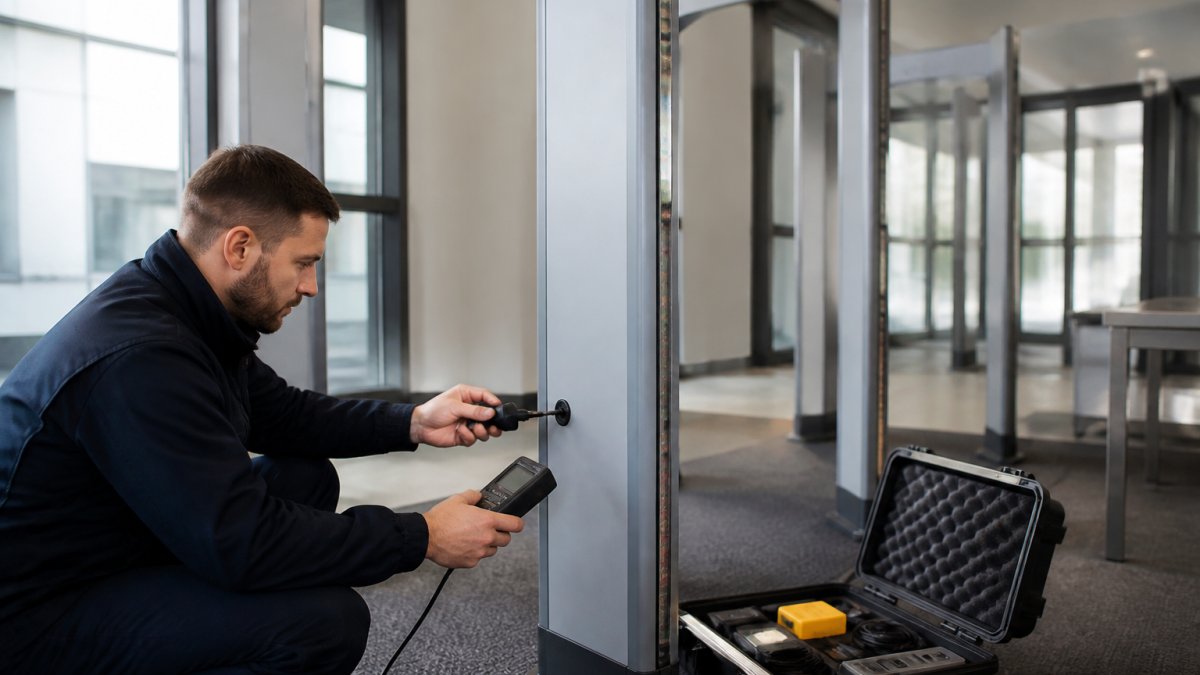
Safety comes down to three rules. Power down before touching internal components. Keep the lane closed and marked during calibration so nobody walks through mid-adjustment. And follow manufacturer guidance and applicable electrical safety standards for lockout and PPE.
Follow the manufacturer's procedure step by step, recording the sensitivity setting, test piece used, result, and date. If the unit fails, stop and escalate rather than adjusting beyond the specified range.
Daily Operational Checks Before the Doors Open
Daily operational checks take minutes and catch most problems before a single person walks through. Run them at every lane before the first visitor arrives.
- Power on and confirm the unit completes its self-test
- Walk a known test piece through the center of the aperture and confirm detection
- Walk the same test piece near the edge of the aperture
- Check the display, alarms, and indicators for faults
- Inspect the aperture and side panels for damage or obstruction
If any check fails, do not open the lane. Flag it, move screening to a backup unit, and escalate.
Calibration Frequency for Security Equipment: Setting Risk-Based Intervals
There is no universal calibration frequency for security equipment.
Use a risk-based approach. Score each unit on these factors:
| Factor | Low Risk | High Risk |
|---|---|---|
| Daily throughput | Under 500 people | Over 2,000 people |
| Environment | Indoor, stable temperature | Outdoor, rain, heat, vibration |
| Criticality | Secondary entry | Primary public entrance |
| Mobility | Fixed install | Moved and redeployed often |
| History | Stable results | Repeated drift or faults |
High-risk units get shorter intervals and more verification. Low-risk units can follow the manufacturer's standard schedule.
Contact Us For Your Ordering & Rental Needs →
Many sites settle on monthly verification with calibration at the manufacturer's recommended interval, then tighten it after any out-of-tolerance result.
For portable and rental units, treat every redeployment as a trigger for verification. Moving equipment is when drift happens.
Walk-Through Metal Detector Maintenance That Prevents Drift
Walk-through metal detector maintenance keeps calibration from slipping between scheduled checks. Most drift traces back to physical causes, not electronics.
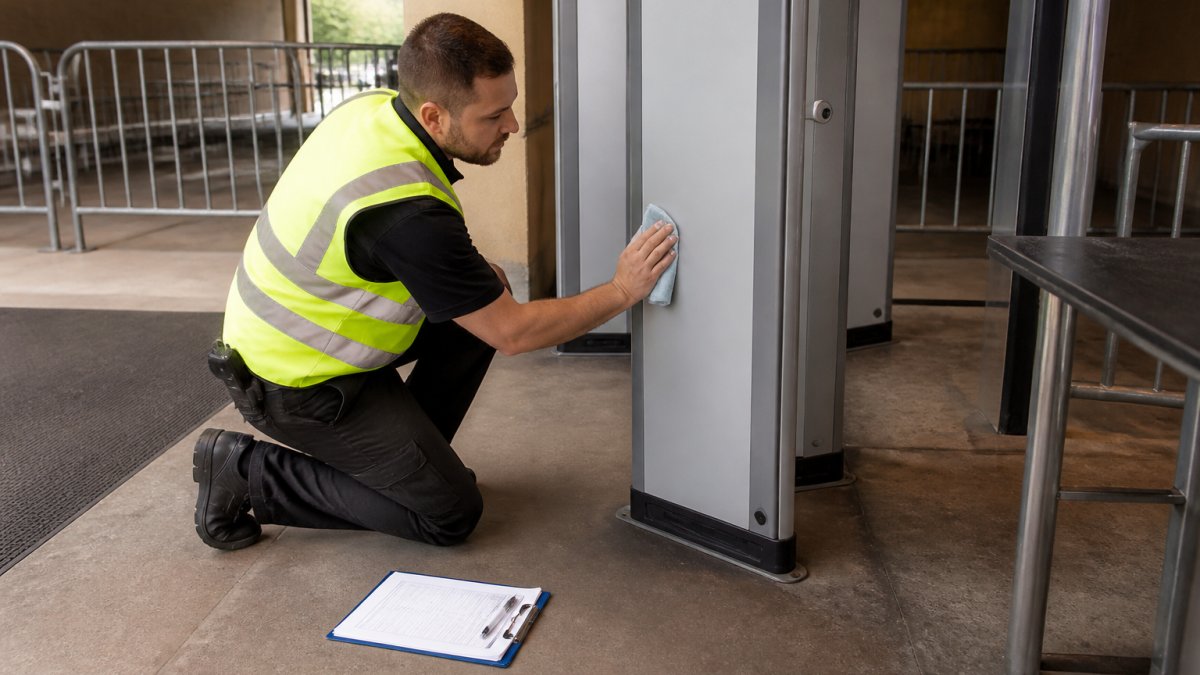
The routine looks like this:
- Clean the aperture and side panels to remove dust and moisture
- Check the base and frame for looseness or movement
- Inspect cables and connectors for wear
- Confirm the unit sits level and is not rocking
- Keep large metal objects and electrical panels away from the aperture
- Apply any firmware updates the manufacturer releases
Firmware and software updates can change detection behavior, so verify the unit after every update and note it in the log.
Calibration Records and Documentation for Audit Readiness
Calibration records and documentation turn a working lane into a provable one. When an auditor or insurer asks how you know the equipment works, the answer is the log.
Keep these records for every unit:
- Equipment ID, make, model, and location
- Calibration and verification dates with results
- Test pieces used and their certificate dates
- Sensitivity settings before and after adjustment
- Any out-of-tolerance findings and the corrective action taken
- Technician name and qualification
Store records where you can retrieve them quickly: a spreadsheet for small sites, a maintenance system with unit-tied reminders for larger operations.
What a Usable Log Entry Looks Like
A record that says "passed" is not a record. An auditor needs to see what was tested, with what, by whom, and what happened if it failed:
- Equipment ID and location: WTMD-04, Main Lobby North
- Date and time: 2026-10-18, 06:40
- Task: Weekly verification (not calibration)
- Standard used: Certified test piece TP-22, certificate valid through 2027-03-01
- Sensitivity setting: 7 (unchanged)
- Result: Detect at center and edge; no false alarms on clean pass
A calibration entry adds the adjustment made, the sensitivity before and after, and the post-adjustment verification result. An out-of-tolerance entry adds the failure time, the second test piece used to confirm, the escalation contact, and the repair and requalification outcome.
Traceability: Proving the Standard Was Valid
Traceability matters. A record that names the certified standard used, and shows that standard was in date, is far stronger than one that just says "passed." Keep the certificate for each test piece on file, note its expiry date in the log, and retire pieces that are out of date, damaged, or have been dropped. Follow records and traceability guidance from NIST for how reference standards should be documented.
Audit Readiness in Practice
Audit readiness is mostly a retrieval problem. If a reviewer asks for six months of records for one lane, you should produce them in minutes, not days. Three habits make that possible:
- One record per unit per event. Do not batch a month of checks into a single line.
- Tie reminders to the unit, not the calendar. A maintenance system that prompts on each unit's interval catches missed checks before an auditor does.
- Keep corrective actions with the original finding. A repair record separated from the failure it addressed is hard to defend.
Out-of-Tolerance Results: Escalation and Corrective Maintenance
An out-of-tolerance result is not a paperwork problem: the unit is not detecting what it should and needs action before it goes back into service.
Follow this sequence:
- Stop using the unit. Move screening to a backup lane.
- Re-test with a second certified test piece to confirm the finding.
- Record the failure, the test pieces used, and the time.
- Escalate to your maintenance provider or qualified technician.
- Repair or recalibrate, then verify before returning the unit to service.
- Review whether the interval needs shortening.
The escalation path should be written down and known to staff on every shift; a detector flagged at 6 a.m. should not sit idle until noon.
Metal Defender offers comprehensive support, including optional accessories, and flexible rental or leasing options for our walk-through and hand-held units, which helps venues keep a spare on hand for exactly this situation.
Conclusion
The hard part of screening equipment calibration is not the adjustment itself but the discipline of daily checks, honest records, and a clear escalation path when something fails.
If your current setup leaves you guessing about intervals or waiting weeks for service, that is a gap worth closing. Metal Defender builds walk-through and hand-held metal detectors for venues, schools, warehouses, and government sites, with rental and leasing options that keep a backup unit within reach.
Frequently Asked Questions
How frequently should security screening equipment be calibrated?
There is no single interval that fits every site. Manufacturer recommendations set the baseline, then usage volume, environment, and the criticality of the checkpoint adjust it. High-traffic venues and warehouse checkpoints that run thousands of passes a day usually need shorter cycles than a low-volume lobby. A common approach is annual calibration as the floor, with quarterly verification and daily functional checks in between. If verification fails twice in a row, move the calibration up rather than waiting for the scheduled date.
What should a security equipment calibration checklist include?
A workable checklist covers four layers. Daily: power-up self-test, detection of a known test piece, alarm audio and visual confirmation, and a visual inspection of cables and panels. Periodic: verification with certified reference standards at multiple points across the aperture. Scheduled: full calibration against manufacturer acceptance criteria, firmware and software version confirmation, and cleaning of optical and mechanical components. Administrative: technician name and qualification, date, results, pass or fail, and the next due date. Sign and file every sheet.
How do you maintain a walk-through metal detector between calibrations?
Walk-through metal detector maintenance is mostly prevention. Keep the aperture clear of stored items and metal furniture, since nearby metal shifts the detection field. Clean the side panels and photo-eye sensors regularly, check that the unit sits level and has not been bumped, confirm the power supply is stable, and test with a known target at the start of each shift. Log every adjustment. If a unit is moved between sites, re-verify it on arrival before screening anyone.
What records should be kept after calibration?
Keep the calibration certificate or in-house report, the reference standards used and their own traceability certificates, the acceptance criteria applied, and the pass or fail result with the technician's name and qualification. Add the date performed, the next due date, and any corrective action taken. Store records for the period your regulator or auditor requires, and keep them retrievable by equipment serial number. Calibration records and documentation are what prove the checkpoint was operating correctly on any given day.