 How-to
Easy to Deploy Security for Warehouses: A Practical Guide
Last Updated: November 22, 2026
Quick Summary
Easy to deploy security for warehouses means starting with wireless or freestanding checkpoints at your highest-risk entry so screening goes live in days instead of months. Pilot the setup at one site, prove the procedure works, then expand to other sites using the documented playbook.
- Wired systems need cabling and electrical work, making them the slowest to deploy and hardest to relocate.
- Pilot with wireless or freestanding checkpoints at the highest-risk entry, then convert to wired or hybrid once proven.
- Assign a single project lead per site and schedule installation around dock activity.
- Run the pilot for one full shift cycle, including weekends, and record baseline metrics before go-live.
- Plan for offline operation from day one so checkpoints keep working when the network drops.
Table of Contents
- Why Easy-to-Deploy Warehouse Security Beats Complex Installations
- Warehouse Security System Installation: Comparing Wired, Wireless, Cloud, and Hybrid
- Warehouse Access Control Systems for Doors and Restricted Areas
- Portable Metal Detectors for Warehouse Security: Screening at the Point of Entry
- Warehouse Security Screening Procedures That Prevent Theft Without Bottlenecks
- A Phased Deployment Checklist for Multi-Site Warehouses
- Connectivity Failures, Power Outages, and Offline Operation
- Contact Us for Your Ordering and Rental Needs
- Frequently Asked Questions
Why Easy-to-Deploy Warehouse Security Beats Complex Installations
Most warehouse security projects fail for a boring reason: easy to deploy security for warehouses is what they lack, and slow installs are the cost. Every week a checkpoint sits half-built, inventory moves through an unprotected dock, and staff work around the construction. That is the hidden cost of a "comprehensive" system, and it rarely appears in the proposal.
Easy to deploy security for warehouses flips the sequence. Instead of a months-long build, you start screening in days, prove the setup works, and expand from there.
The case for phased, portable deployment rests on three practical realities:
- Speed closes gaps. A checkpoint that goes live in days protects inventory immediately, rather than after a construction schedule.
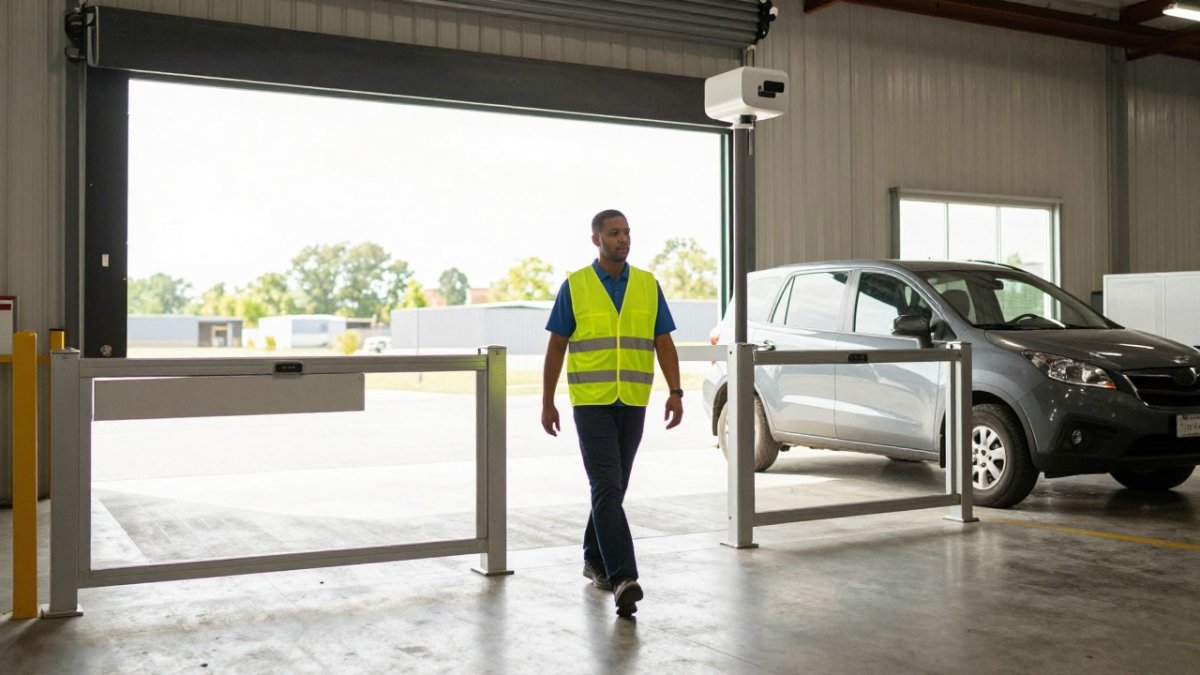
- Flexibility matches warehouse reality. Racking layouts change, seasonal volume shifts, and multi-site operations need equipment that moves with them.
- Pilots inform expansion. A working pilot can give you data to support the next phase, instead of committing the whole budget to one install.
Complex installations still have their place, particularly for fixed perimeter work. But for entry screening, access points, and theft deterrence, the deployment model matters as much as the hardware. Below, we walk through how to choose a system type, where to place checkpoints, and how to roll out across multiple sites without shutting down operations.
Warehouse Security System Installation: Comparing Wired, Wireless, Cloud, and Hybrid
Warehouse security system installation comes down to one question: how much fixed infrastructure does the site actually need?
| System Type | Typical Install Effort | Best For | Main Trade-Off |
|---|---|---|---|
| Wired | High: cabling, conduit, electrical work | Fixed perimeters, permanent builds | Slowest to deploy, hardest to relocate |
| Wireless | Low: mount and pair | Temporary or shifting layouts | Signal interference in dense racking |
| Cloud-managed | Low to moderate | Multi-site visibility, remote monitoring | Depends on network uptime |
| Hybrid | Moderate | Sites needing local resilience plus remote oversight | Higher configuration complexity |
A Decision Framework for Choosing Your System Type
A common pattern is to pilot with wireless or freestanding checkpoints at the highest-risk entry, then convert to wired or hybrid once the layout and procedures are proven. This staged approach reduces upfront capital and avoids locking into a configuration that operations may outgrow.
Deployment Time and Staffing by System Type
Staffing during rollout is the piece most plans underestimate. Someone has to own the schedule, coordinate with operations, and train screeners. Assign a single project lead per site, and schedule installation around dock activity rather than the other way round. If you are weighing permanent equipment against a short-term need, rental options let you deploy screening without committing capital upfront.
Watch out: assuming the IT team can configure cloud connectivity on short notice, network segmentation, firewall rules, and credential management often take longer than the hardware install itself.
Warehouse Access Control Systems for Doors and Restricted Areas
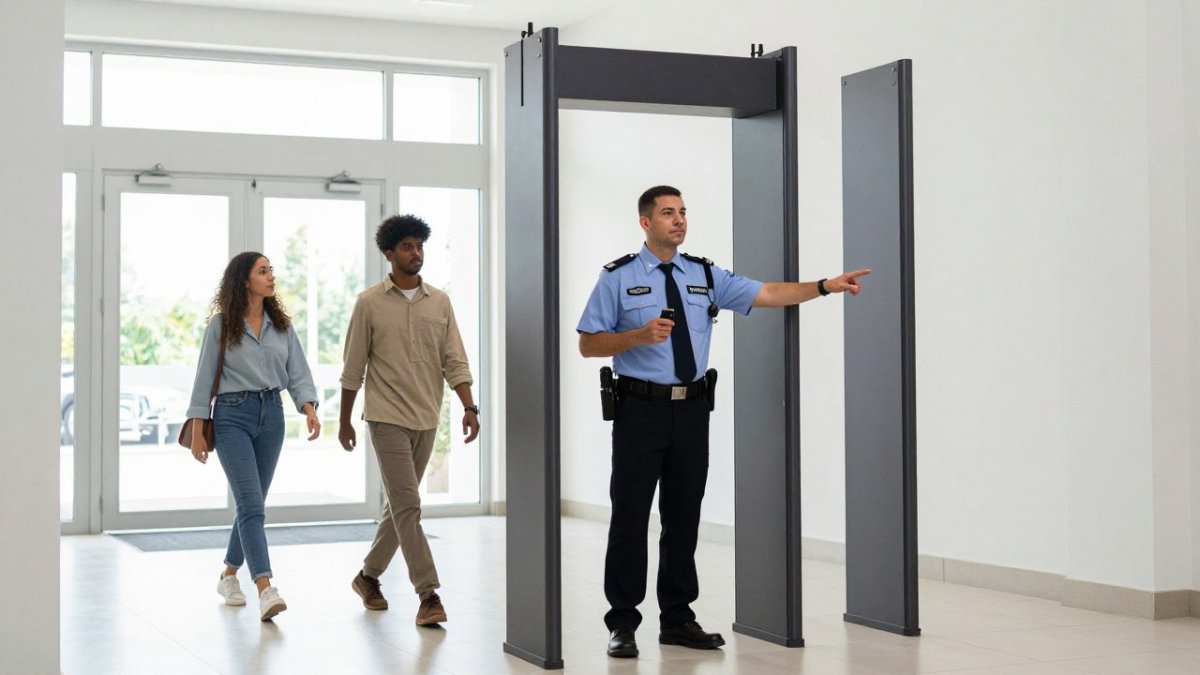
Restricted areas deserve a second layer at the doorway itself. A discreet single-panel detector, such as the Single Panel Walk Through Metal Detector Complete Kit, fits tight entryways where a full archway would block traffic. Pair physical access control with screening at these pinch points and you close the gap between a stolen badge and a stolen asset.
Portable Metal Detectors for Warehouse Security: Screening at the Point of Entry
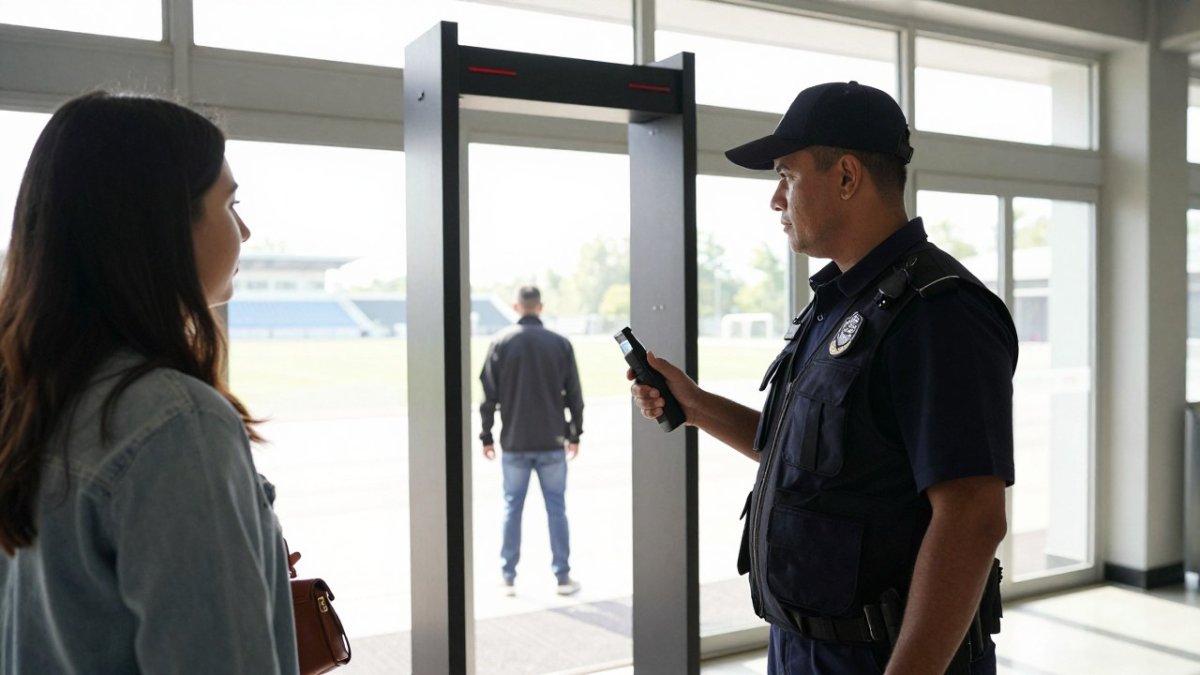
Portable metal detectors for warehouse security work best at the point of entry, not at random spots on the floor. The goal is a consistent, predictable checkpoint where every person passing through knows the routine. Hand-held wands suit lower-volume doors and spot checks; walk-through units suit main shift-change entrances where throughput matters.

A common mistake is treating detection equipment as a standalone purchase. It is not. Screening only deters internal theft when it is visible, consistent, and backed by a clear procedure for what happens when an alarm sounds. Decide that procedure before the equipment arrives, and brief supervisors on it in the same week.
Warehouse Security Screening Procedures That Prevent Theft Without Bottlenecks
Warehouse security screening procedures determine whether a checkpoint deters theft or just slows everyone down. The difference is design, not effort. A well-run checkpoint moves a steady line because the procedure removes hesitation at every step. When each step is clear, the checkpoint becomes part of a broader security plan, and choosing commercial security systems that fit the workflow helps keep protection consistent across the warehouse.
Build the routine around four fixed points:
- Pre-shift screening at the main entrance, with wands or a walk-through unit, and a posted policy so no one is surprised.
- Random secondary checks at secondary doors, varied by day so patterns do not form.
- Exit screening for high-value goods areas, timed to shift changes.
- Documented response for every alarm, logged with time, location, and resolution.
False alarms are the fastest way to lose staff buy-in. Belt buckles, steel-toed boots, and tool belts all trigger detectors. Train screeners to run a quick secondary pass and keep the line moving. For deeper tactics on keeping throughput high while maintaining coverage, see our guide on how to improve throughput at security checkpoints.
A Phased Deployment Checklist for Multi-Site Warehouses
Multi-site rollouts succeed when you treat the first site as a pilot, not a template. Prove the model in one building, document what actually happened, then replicate. The checklist below adds the measurement and decision points that most deployment guides omit.
- Audit each site: entry points, shift patterns, high-value zones, existing camera coverage.
- Choose one pilot site with the highest loss exposure.
- Deploy entry screening and access control at that site only.
- Run the pilot for one full shift cycle, including weekends.
- Record baseline metrics before go-live: incident reports, shrinkage estimates, average queue time at entry, and false alarm rate.
- After two weeks, compare post-deployment metrics to baseline: incidents caught, change in shrinkage indicators, queue time, and false alarm rate.
- Train a site lead who owns the procedure, not just the equipment.
- Adjust the procedure based on pilot data, especially false alarm handling and peak-hour throughput.
- Roll out to the next site with the same lead-and-train model, using the pilot's documented playbook.
- Standardize reporting across sites so results are comparable.
The pilot phase is where most programs stall, because teams skip the measurement step and jump to buying hardware for every site at once. Resist that. Define success before you start: for example, a pilot might aim to screen all main-entrance traffic within a target queue time while catching a set number of test objects during drills. Without a pre-defined threshold, every result looks like a success.
A common pattern is to assign a single rollout lead across all sites rather than a different owner per building. That person carries the playbook, knows the pitfalls, and can compare results consistently. For concrete examples of checkpoints that go up fast, this collection of portable security checkpoints is a useful reference.
Watch out: treating the pilot as a hardware trial rather than a procedure trial, the equipment rarely fails, but the screening routine often does when staff are not trained on alarm response and queue management.
Connectivity Failures, Power Outages, and Offline Operation
A checkpoint that stops working when the network drops is a liability, not a control. Warehouses lose connectivity more often than offices do, whether from power interruptions, network maintenance, or simple coverage gaps in steel-framed buildings.
Plan for offline operation from day one.
On the data side, treat the security network as its own system: strong passwords, current firmware, restricted admin access, and regular backups of access logs. A checkpoint tied into a poorly secured network becomes an entry point of a different kind.
Contact Us for Your Ordering and Rental Needs
Getting screening live in a warehouse is a procurement decision as much as a security one, and the right acquisition model depends on your timeline.
Metal Defender supplies walk-through and hand-held metal detection equipment through direct sales, leasing, and rentals, with optional accessories. If you are comparing acquisition paths, our metal detector leasing options explain how leasing works for businesses planning multi-site rollouts.
The real test of easy to deploy security for warehouses is whether your team can set it up, move it, and run it without waiting on a specialist. Start with one checkpoint, measure it honestly, and expand only when the numbers justify it. Get started with Metal Defender and put a working checkpoint at your busiest door this month, backed by equipment you can buy, lease, or rent.
Frequently Asked Questions
How long does a warehouse security system installation usually take?
It depends on the system type. Portable screening tools like walk-through and hand-held metal detectors need no installation at all. Plan phased rollouts so security coverage never drops while work is underway.
Where should metal detectors be placed in a warehouse?
Put them where people and goods cross a controlled boundary: main employee entrances, contractor gates, loading docks, and exits from high-value inventory zones. For internal theft, a walk-through detector at the shift-change entrance catches what cameras miss. Hand-held wands work well at loading docks where you screen drivers and visitors without slowing the line. Keep screening points close to where people already walk so you do not create new bottlenecks.
Can portable metal detectors support warehouse access control systems?
Portable metal detectors are a screening tool for checking what people carry at entry points. Hand-held units can be used to screen visitors and contractors at gates.
How can a warehouse improve security without a complex installation?
Start with portable metal detectors at entry points, which need no cabling. This phased approach keeps disruption low and lets you measure results before committing to a full build-out.