 Listicle
7 Easy to Deploy Portable Security Checkpoints That Work
Last Updated: November 17, 2026
Quick Summary
Easy to deploy portable security checkpoints are self-contained screening systems that one or two staff members can move, power up, and put into operation without specialist installers. Portable walk-through detectors typically set up in under 15 minutes with two people and no tools, while hand-held wands are ready immediately. Ask vendors for the time from truck arrival to first screened person, and who performs each step.
- Setup time and infrastructure demand move together: faster-deploying systems depend less on dedicated power, network, and vendor labor.
- A portable walk-through detector commonly sets up in under 15 minutes with one to two staff and no tools.
- A workable single walk-through lane baseline is one operator, one queue officer, and one free officer for resolutions.
- Ask vendors whether screening continues offline and whether alarm logs buffer locally until the connection returns.
- Rental suits temporary or uncertain needs, while buying wins when screening runs continuously across years of daily use.
Table of Contents
- What Makes a Portable Security Checkpoint Easy to Deploy
- Comparison Table: Deployment Time and Portability at a Glance
- 1. Evolv Express: Touchless Screening for High-Throughput Venues
- 2. Walk-Through Metal Detectors: The Workhorse of Portable Checkpoints
- 3. Hand-Held Metal Detector for Security Screening: Throughput Without Bottlenecks
- 4. Guard Patrol Verification: Documenting Checkpoints in Warehouses
- Temporary Security Checkpoint Setup: Staffing, Power and Site Layout
- Portable Metal Detector Rental vs Buying: What Fits Your Budget
- Frequently Asked Questions
What Makes a Portable Security Checkpoint Easy to Deploy
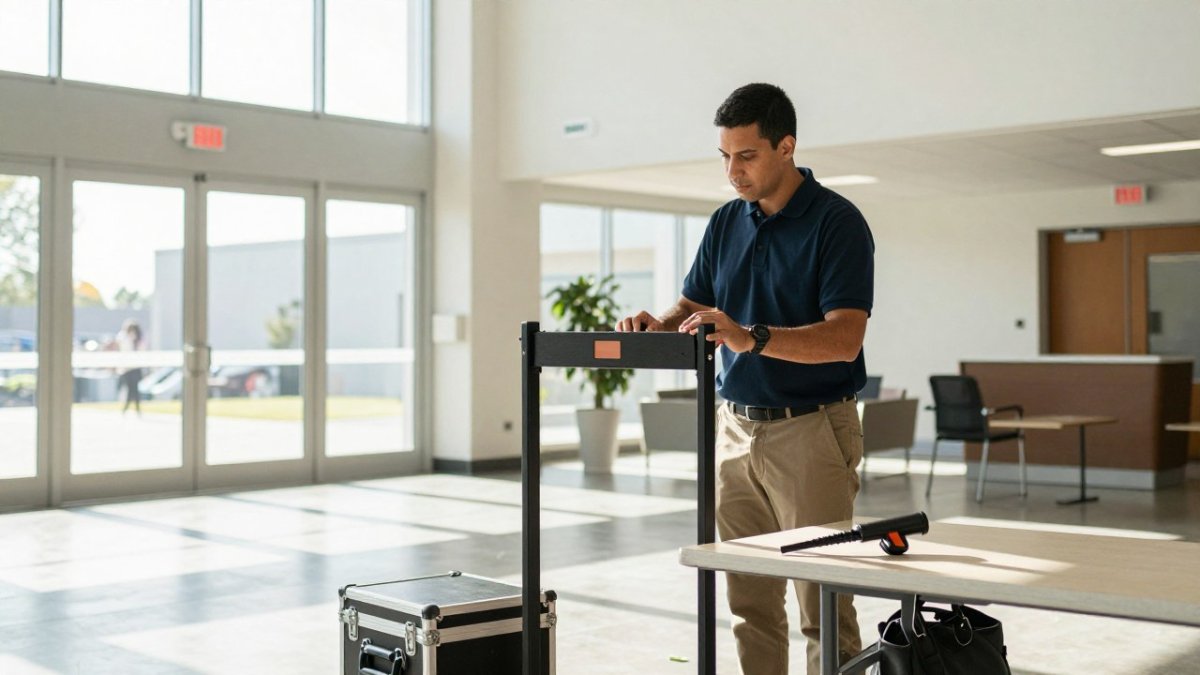
Easy to deploy portable security checkpoints are self-contained screening systems that one or two staff members can move, power up, and put into operation without specialist installers. Walk-through and hand-held detection equipment can be built around that exact requirement: fast setup, simple relocation, and dependable screening from the first hour. The difference between a checkpoint that deploys in minutes and one that ties up a loading dock for a day usually comes down to five factors.
Below, we break down the criteria that matter, compare deployment profiles side by side, and cover the systems security directors actually shortlist for events, schools, warehouses, and government buildings.
The Five Selection Criteria That Actually Matter
Deployment time is the first filter. Ask how long it takes from arrival to first screened person, and ask who does it.
The remaining criteria follow from there:
- Portability: Can one person move it through a standard doorway, or does it need a trolley and a ramp?
- Power and connectivity: Does it run on a standard outlet, and does it keep screening when the network drops?
- Throughput: How many people per hour can it process before a queue forms?
- Support model: What happens when a unit faults on the morning of an event?
What most guides miss is the fifth criterion: relocation cost. A checkpoint you can move in ten minutes changes how you staff a venue. One that needs a service visit per move does not.
Comparison Table: Deployment Time and Portability at a Glance
The table below is built around the questions buyers actually ask before a site visit: how long from arrival to first screened person, how many people it takes, what site preparation is required, and what happens when power or network drops. Most published comparisons stop at "easy to deploy" without numbers; the columns here are the ones that decide whether a checkpoint moves between entrances each morning or stays bolted to one gate.
| System | Typical setup time (arrival to first screened person) | Crew required | Site preparation | Power and offline behavior | Relocation between sites | Best for |
|---|---|---|---|---|---|---|
| Evolv Express | Several hours, vendor-assisted; often a scheduled install window | Vendor technicians plus site IT | Dedicated power, network, and a fixed lane footprint | Mains power; cloud-connected operation is central to the workflow | Not designed for routine relocation; treat as semi-fixed | Stadiums, arenas, permanent gates |
| Portable walk-through detector | Minutes; commonly under 15 with two people and no tools | One to two staff | Standard outlet within cable reach; flat, level floor | Mains power; settings typically retained when unplugged | Packs down; two-person carry through a standard doorway | Schools, events, lobbies, temporary entrances |
| Hand-held wand | Immediate; officer removes from case and begins screening | One officer per lane | None | Rechargeable battery; full-shift runtime typical | Pocket-sized; no relocation cost | Overflow lanes, roving patrols, narrow entrances |
| Guard patrol verification | One-time install of checkpoint tags and hardware | One-time setup, then none | Mounting points along patrol route | Battery hardware; reports sync when connectivity returns | Fixed checkpoints; not intended to move | Warehouses, perimeters, scheduled rounds |
Three patterns matter when you read across the rows. First, setup time and infrastructure demand move together: the faster a system deploys, the less it depends on dedicated power, network, and vendor labor. Second, crew size is the hidden cost, a unit that needs two technicians and a calibration appointment is not portable in any operational sense, whatever the datasheet says. Third, relocation cost is the column most guides omit entirely. A checkpoint one person can move in ten minutes changes how you staff a venue; one that needs a service visit per move does not.
Watch out: "setup time" quoted by vendors often excludes site walk, power run, and staff briefing. Ask for the time from truck arrival to first screened person, and ask who performs each step.
For a deeper operational walkthrough of how these profiles play out on real sites, see our guide on deploying metal detection in public facilities.
1. Evolv Express: Touchless Screening for High-Throughput Venues
Evolv Express is an AI-based weapons detection system built for venues that move thousands of people through entry points in a short window. It screens for concealed threats without requiring visitors to empty pockets or remove bags, which keeps passenger flow moving.
Where it earns its place is high-volume event work. Where it falls short is flexibility: Evolv Express is closer to semi-fixed infrastructure than true portability, and it carries a subscription or lease cost that puts it out of reach for smaller sites. For a stadium with a permanent gate, that trade is reasonable. For a school that needs to relocate screening between entrances each morning, it is the wrong tool.
If your requirement is a unit your own team can set up in five minutes with no tools, a portable walk-through unit is the more practical starting point. You can see the portable walk-through metal detector we supply for exactly that use case.
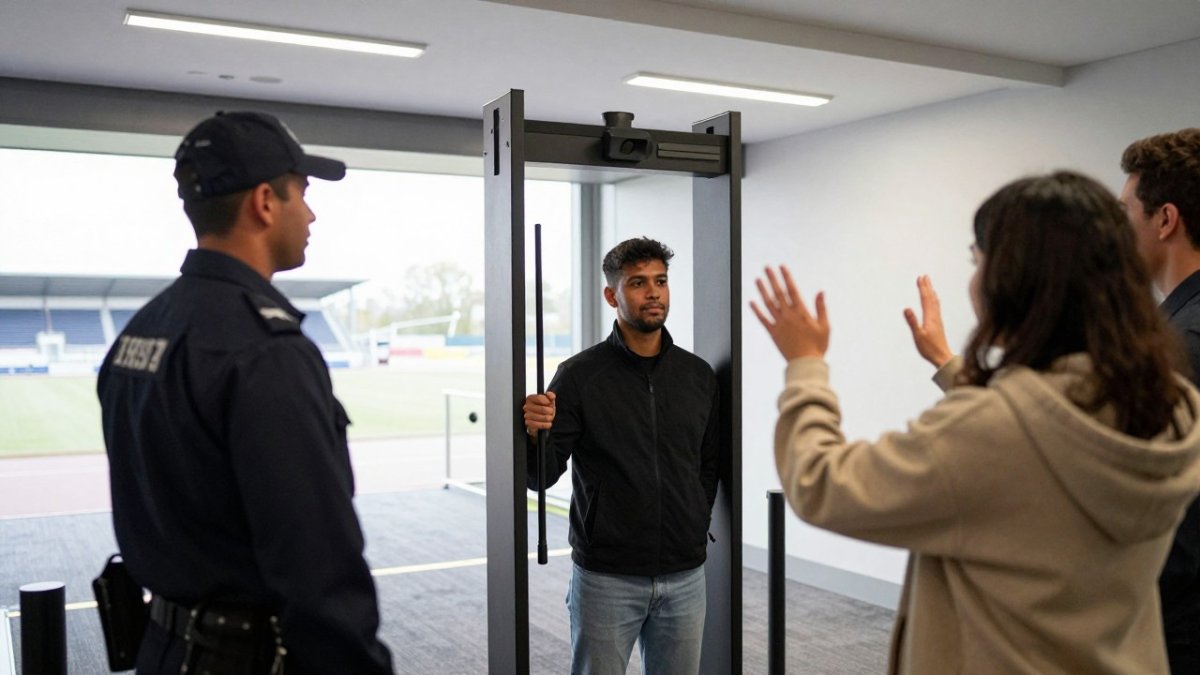
2. Walk-Through Metal Detectors: The Workhorse of Portable Checkpoints
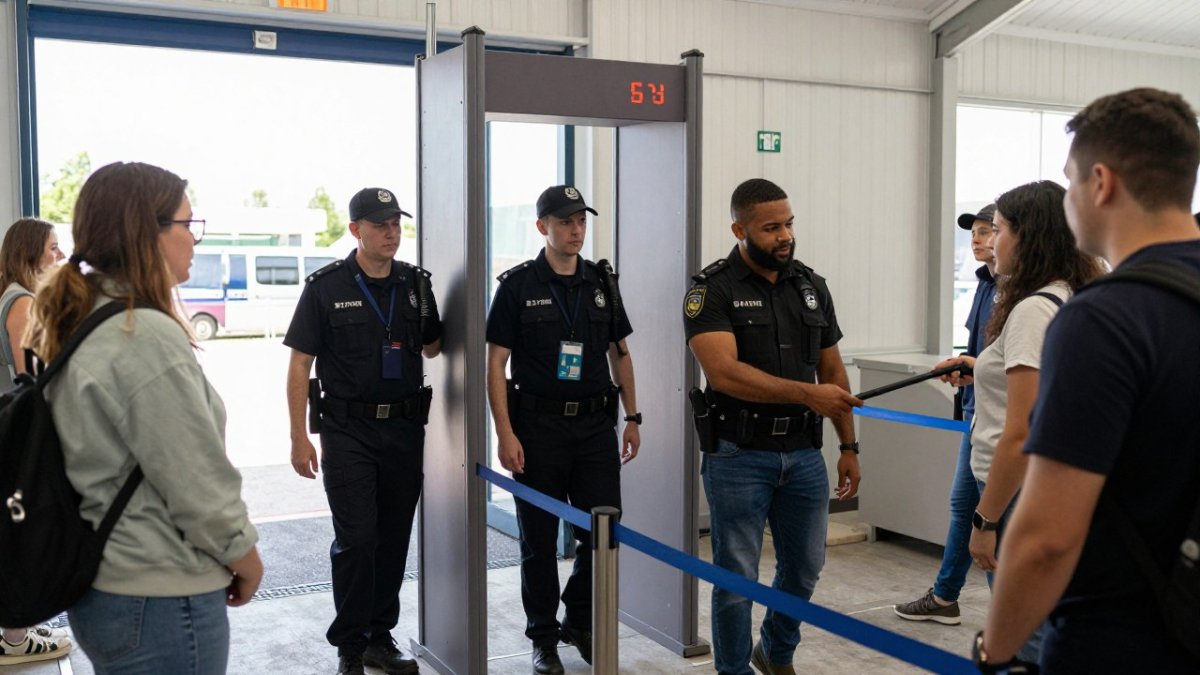
Walk-through metal detectors are a common choice for temporary security checkpoint setup.
The practical advantages are straightforward:
The limitation is staffing. Every walk-through lane needs an operator and a resolution process for alarms. Budget for that before you budget for hardware.
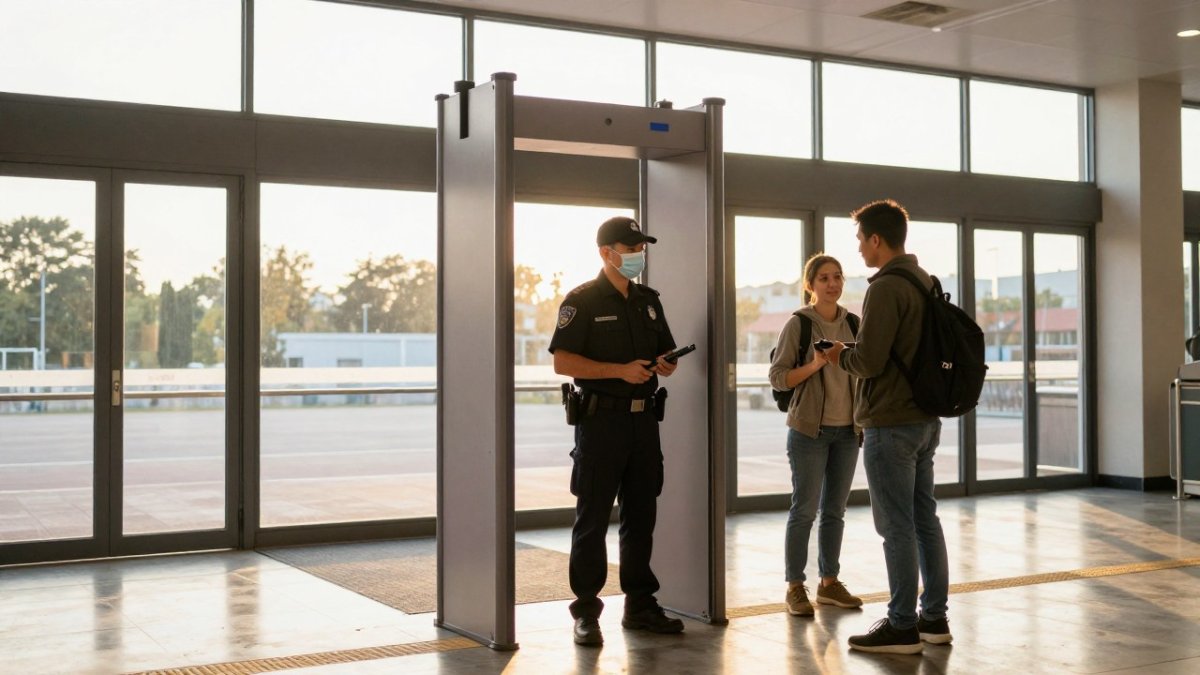
3. Hand-Held Metal Detector for Security Screening: Throughput Without Bottlenecks
A hand-held metal detector can be used for security screening without assembly.
Hand-held wands work best in three situations. First, as overflow capacity when a walk-through lane backs up. Second, for venues where a fixed archway is impractical, such as narrow entrances or outdoor perimeters. Third, for roving checks inside a secured area.
The trade-off is speed per person. Hand-held screening is slower than a walk-through lane and depends heavily on officer technique. For high-volume entry points, pair wands with walk-through units rather than relying on them alone. Our hand-held security wand is built for exactly this supporting role.
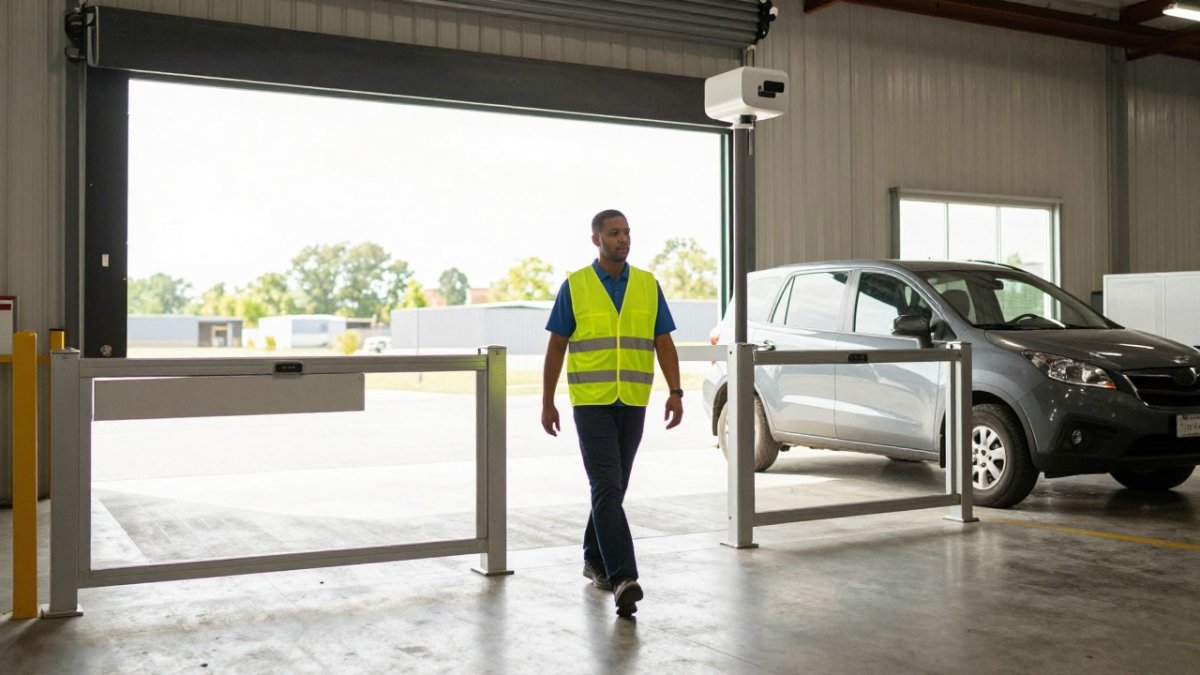
4. Guard Patrol Verification: Documenting Checkpoints in Warehouses
Not every checkpoint screens people. In warehouses, the security question is whether patrols actually happened and whether restricted zones were checked on schedule.
Temporary Security Checkpoint Setup: Staffing, Power and Site Layout
Deployment time is only half the equation. The other half is everything around the equipment, and this is where temporary security checkpoint setup succeeds or fails. Integrating these logistical considerations ensures that your perimeter remains secure even when transitioning from mobile units to permanent commercial door frame security.
Layout. Place the detector so arrivals funnel naturally into a single-file lane, with a clear resolution area to the side for secondary screening. Never position a lane so an alarm forces a person back into the incoming crowd. Leave a bypass path for strollers, wheelchairs, and service animals that does not cross the screening lane.
Staffing. A workable baseline for a single walk-through lane is one operator at the unit, one officer managing the queue, and one free officer for resolutions. Hand-held lanes need one officer each. Throughput planning should start from the lane, not the headcount: a walk-through lane typically processes people faster than a wand lane, so pair wands with walk-through units rather than relying on them alone at high-volume entries.
Power and connectivity. Confirm the power requirements of any unit before deployment. Walk the site before the event and identify outlet locations, cable routes, and trip hazards; use cable ramps or tape down runs that cross walkways. Confirm battery runtime against your shift length and carry a spare.
Accessibility, privacy, and compliance. Screening must be usable by people with mobility aids, medical implants, and service animals. Provide a wand-screening or pat-down alternative for anyone who cannot or should not pass through an archway, and train officers on the language to use. Privacy matters too: resolution areas should be screened from public view, and any images or logs captured by screening equipment should be handled under a written retention policy.
Watch out: staffing plans built only on hardware count tend to under-resource the resolution area, which is where queues actually form. Budget the free officer before you budget the second detector.
For a deeper operational walkthrough, see our guide on deploying metal detection in public facilities.
Portable Metal Detector Rental vs Buying: What Fits Your Budget
Rental can suit a need that is temporary or uncertain. A three-day event, a short-term construction site, or a pilot program before a capital request all fit a rental model. You avoid a capital purchase and the storage question entirely.
Buying wins when screening runs continuously. Schools, courthouses, and permanent warehouse exits amortize the cost across years of daily use, and you keep full control of maintenance scheduling.
Leasing is also available as an option, which can spread cost across a budget cycle while keeping equipment on site. We do not publish fixed prices because they depend on unit count, duration, and delivery; our rental options page sets out how the programs work, and this breakdown of event rental costs covers what drives the quote.
Whichever route you choose, ask two questions before signing: what does support look like when a unit faults, and can your own team relocate it without a service call. The answers separate a genuine portable checkpoint from a permanent installation with wheels.
The real test of a portable checkpoint is not the spec sheet. It is whether your team can move it, power it, and screen the first person without calling anyone. If you are weighing options for a venue, school, warehouse, or public building, Metal Defender supplies walk-through and hand-held detection equipment through direct sales, leasing, and rental, with optional accessories and support to match. Get started with Metal Defender and put a checkpoint in service this week.
Frequently Asked Questions
How quickly can a portable security checkpoint be set up?
The bigger time cost is layout: marking the queue lane, placing barriers and briefing staff.
How many security staff are needed to operate a screening checkpoint?
A single walk-through lane usually needs two to three officers: one directing traffic into the unit, one handling secondary screening with a hand-held metal detector for alarms, and one managing the queue. High-volume entries benefit from a dedicated queue manager. Hand-held-only screening at a smaller door can run with one officer, which is why many venues pair walk-through lanes at main entrances with wands at secondary access points.
Can portable security checkpoints be rented instead of purchased?
Yes. Rental and leasing options let venues, schools and temporary sites run screening for a single event or a short season without a capital purchase. Pricing depends on quantity, dates and delivery. For recurring use across multiple sites, a lease spreads cost over a longer term while keeping the equipment on hand.
Where can portable security checkpoints be used beyond airports?
Common deployments include event venues and stadiums screening crowds at gates, K-12 schools adding walk-through detection at main entrances, warehouses checking staff and visitors against internal theft, and government buildings controlling public access. The common thread is a need for visible screening that can be moved or removed as the site changes.
How do you reduce false alarms from belt buckles and jewelry?
Set detection sensitivity to the level that catches the threats you care about, then test it with staff wearing typical clothing and accessories before opening. Training officers to ask visitors to remove large metal items before the walk-through also cuts alarm rates noticeably.