 How-to
7 Handheld Security Detector Buying Mistakes to Avoid
Last Updated: November 7, 2026
Quick Summary
Match the handheld security detector to your screening environment instead of buying on sensitivity alone. Weigh adjustable sensitivity, alarm modes, battery runtime, weight and durability for your setting, then run a short trial with everyday metal items before committing budget.
- Buying on sensitivity alone is the most common error; a detector tuned too high alarms on keys, phones and jewelry.
- Score each candidate from 1 to 5 against your environment and weight criteria by how much they matter.
- Test detection consistency, scan speed, false-alarm rate, battery runtime and durability before a full rollout.
- False alarms are a calibration problem; recalibrate on a schedule and after any drop or hard impact.
- Confirm support terms up front, including response time, loaner units and access to replacement parts and batteries.
Table of Contents
- Why Most Handheld Security Detector Buys Go Wrong
- Handheld Metal Detector Features That Actually Matter
- How to Pick the Best Hand-Held Metal Detector for Security Screening
- Detection Limits, False Alarms, and Calibration
- What a Handheld Metal Detector Costs (and What Drives the Price)
- Handheld Metal Detector Maintenance and Support
- Request a Handheld Detector Demo or Rental Quote
- Frequently Asked Questions
Why Most Handheld Security Detector Buys Go Wrong
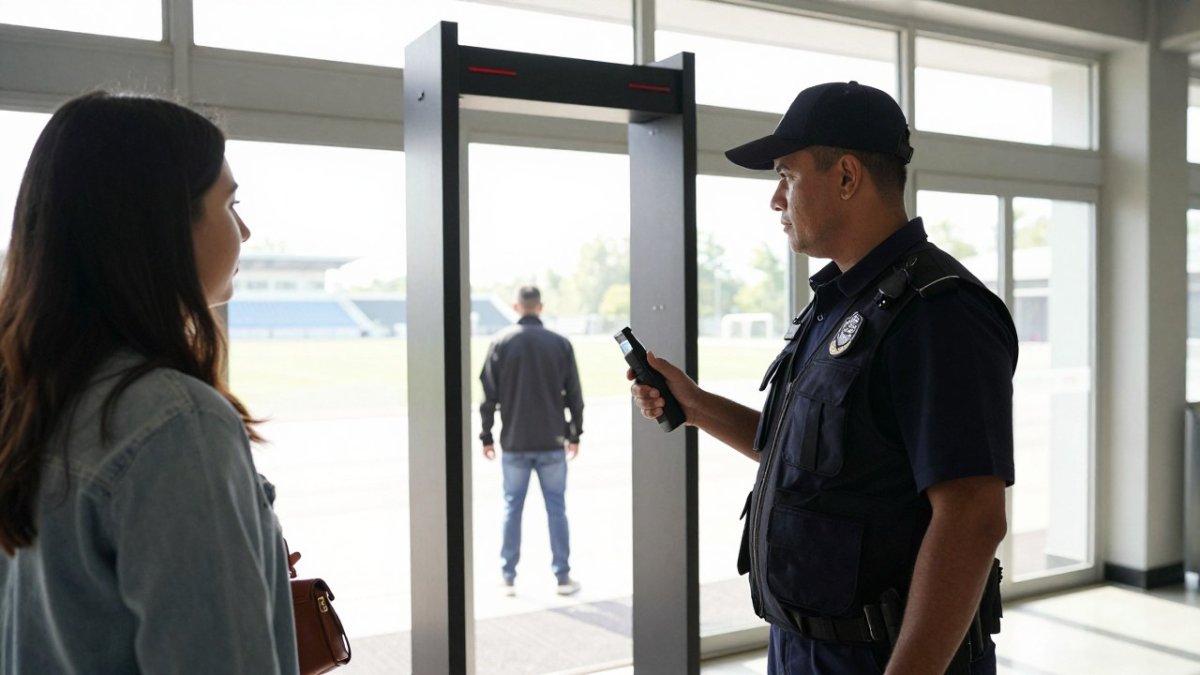
A handheld security detector buying guide usually starts with a spec sheet. That is exactly why so many purchases disappoint. Buyers compare sensitivity numbers, pick the highest one, and then discover at the venue that the wand alarms on every belt buckle in the queue.
The mistake is treating a hand-held detector as a single product when it is really a tool matched to an environment. A school entrance, an event gate, and a warehouse checkpoint each need a different balance of sensitivity, alarm style, and throughput. Get that match wrong and you buy a device that either misses threats or slows screening to a crawl.
Below, we break down the features that actually change outcomes and how to verify performance before you commit budget.
Handheld Metal Detector Features That Actually Matter
Sensitivity, alarm modes, and battery life decide whether a detector works in your setting. Everything else is secondary, but "secondary" does not mean "ignore it." The mistake most buyers make is weighting every feature equally instead of weighting them for the environment the wand will actually work in.
Here is what to weigh first, and how each feature behaves in practice:
- Sensitivity adjustment: Operators need to tune detection to the environment, not run at maximum all day. Look for multiple discrete sensitivity levels or a continuous adjustment rather than a single high/low switch, because the useful range for a school lobby (catching small blades while ignoring jewelry) is different from the range for a warehouse checkpoint (catching tools and metal stock).
- Alarm modes: Audio, vibration, and visual alerts serve different settings. A noisy event gate needs vibration or a discreet visual signal; a quiet lobby can use audio. Confirm the unit lets you switch modes quickly, ideally with a physical control an officer can reach without looking, and that the alert is distinguishable from ambient noise and radio chatter.
- Battery life and charging: Rechargeable batteries with a clear battery indicator keep shifts running without mid-screening failures. Ask how runtime is measured (continuous scanning versus standby), whether batteries are field-replaceable, and whether charging is via a dock, a cable, or a removable pack. A unit that only charges in a dock can strand an officer if the dock is at the other end of the venue.
- Weight and ergonomics: Officers hold the wand for hours. A light, balanced unit with a comfortable grip reduces fatigue and improves scanning accuracy. Balance matters as much as total weight, a slightly heavier wand that sits well in the hand often causes less fatigue than a lighter one that feels nose-heavy.
- Detection area and scanning coverage: A wider scanning area means fewer passes per person and faster throughput. But a wider field also picks up more nearby metal, so coverage and false-alarm control trade off against each other. Test both before deciding.
- Durability and ingress protection: Look for a housing that survives drops onto concrete and a rating that matches your environment, outdoor event gates and transport hubs need more water and dust resistance than an indoor lobby.
- Controls and display: Simple, glove-friendly controls and a readable alert indicator matter more than a feature-rich menu. If officers cannot operate the unit confidently under pressure, the extra features are dead weight.
Watch out: buying on sensitivity alone is the most common error. A detector tuned too high for a school or venue will alarm on keys, phones, and jewelry, and officers quickly learn to ignore it, which is worse than a lower setting that they trust.
A practical way to use this list is to score each candidate against your environment rather than against the spec sheet. The next section turns that into a weighted checklist you can actually apply.
How to Pick the Best Hand-Held Metal Detector for Security Screening
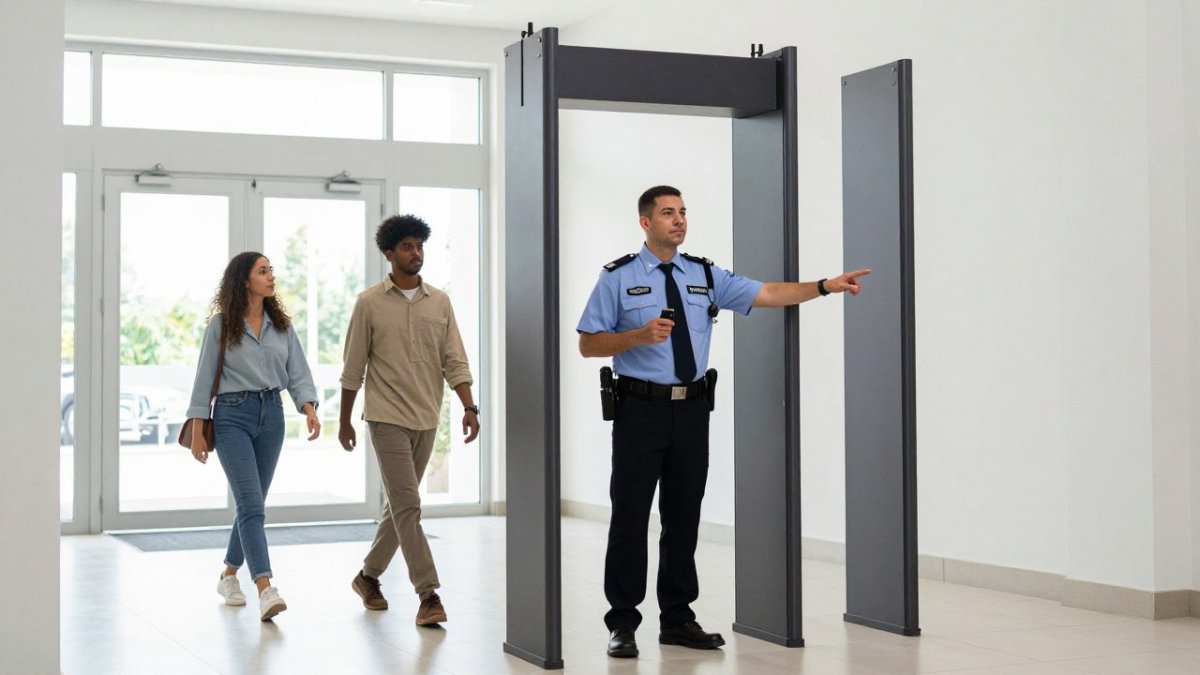
The best hand-held metal detector for security is the one matched to your screening environment, not the one with the longest feature list. Start with throughput and threat profile, then work backward to sensitivity and alarm settings.
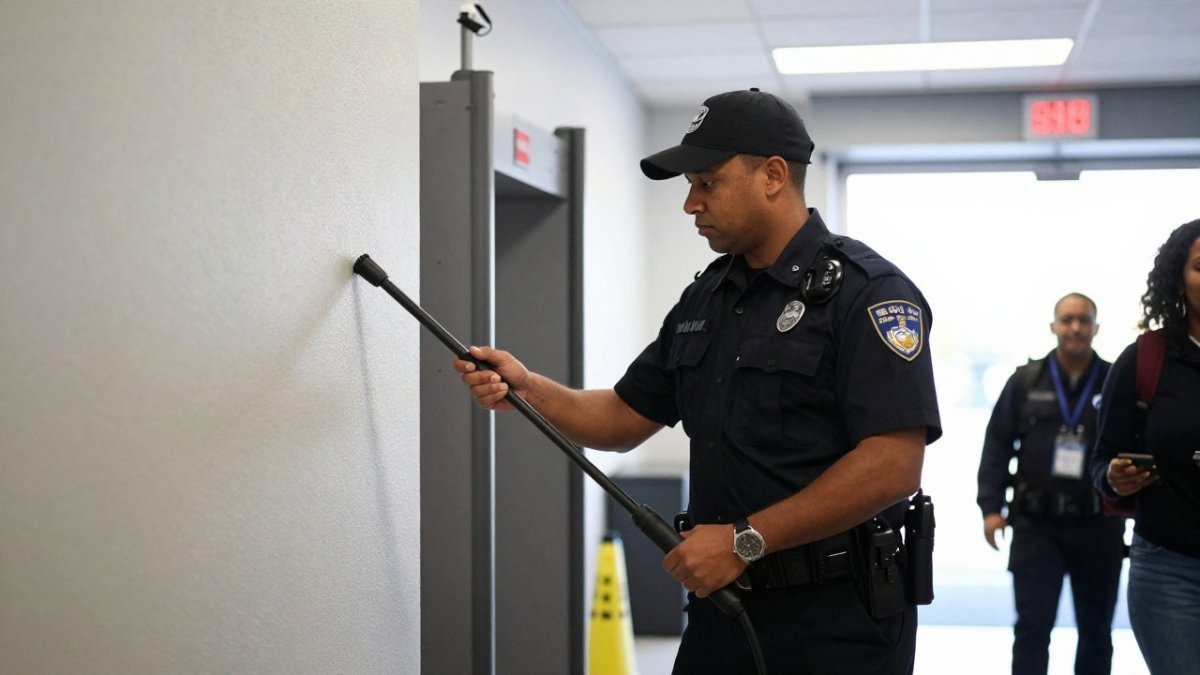
A weighted buying checklist by screening environment
Most buying guides list features but never tell you which ones to prioritize. Use this weighted checklist to rank candidates for your specific setting. Score each criterion from 1 (poor fit) to 5 (excellent fit), then weight it by how much it matters for your environment.
Schools and public buildings, priority order: adjustable sensitivity, visual or discreet alerts, calm operating procedure, durability.
- Sensitivity must be tunable low enough to ignore phones and jewelry while still catching small blades.
- Visual alerts reduce disruption in classrooms and lobbies.
- Consistent, respectful screening procedures matter as much as the device; plan for accommodations and escalation protocols.
Event venues and stadiums, priority order: throughput, weight and balance, vibration alerts, battery runtime.
- High traffic rewards wide scanning coverage and fast passes per person.
- Vibration or discreet visual alerts keep queues moving in noisy gates.
- Confirm runtime covers the full event plus setup and teardown.
Transport hubs and transit checkpoints, priority order: detection consistency, durability, ingress protection, support response.
- Continuous operation and outdoor conditions demand rugged housings and water/dust resistance.
- Downtime is costly; confirm loaner units and fast repair terms before buying.
Warehouses and internal theft control, priority order: portability, durability, simple controls, redeployability.
- Units move between checkpoints, so weight and setup time matter.
- Simple controls let non-specialist staff screen consistently.
Workplaces and lobbies, priority order: ease of use, discreet alerts, calibration stability, total cost of ownership.
- Lower traffic means simplicity and low maintenance beat maximum sensitivity.
- Factor batteries, charging accessories, and training into the budget, not just the purchase price.
A simple testing protocol before you commit
A short trial beats a spec sheet. Before a full rollout, run a structured test against your real queue:
- Detection consistency: Scan the same test items, keys, phone, belt buckle, a small blade, a tool, at a fixed distance and speed, and repeat across several operators. Note which items alarm and which do not at each sensitivity setting.
- Scan speed and distance: Time how long a full pass takes per person at a realistic pace, and check how detection changes as the wand moves farther from the body.
- False-alarm rate: Count nuisance alarms over a defined sample of people and common items, then adjust sensitivity and retest.
- Battery runtime: Run the unit through a full shift or event and record actual runtime against the manufacturer's claim.
- Durability check: Inspect housing, controls, and battery contacts after the trial, and confirm the unit still calibrates correctly.
Watch out: testing only with ideal test items hides the false-alarm problem. Include the everyday metal your visitors actually carry, phones, keys, belt buckles, jewelry, or the trial will overstate real-world performance.
Operating procedures that make the device work
A detector is only as good as the procedure around it. Define a consistent scan pattern, train officers to the same speed and distance, set a clear escalation path for alarms, and document how accommodations and privacy are handled. These procedural choices affect false alarms and throughput as much as the hardware does.
A practical approach is to run a short trial before a full rollout. Metal Defender offers rental and leasing options so teams can test a wand against their real queue before committing to a purchase. You can review a representative hand-held detector model to see how the selection criteria translate into an actual unit.
Detection Limits, False Alarms, and Calibration
False alarms are a calibration problem, not a hardware flaw. Most wands that "go off constantly" are simply set too sensitive for the environment or have drifted out of adjustment. Regular calibration keeps detection reliable and reduces nuisance alarms.
A few operating habits cut false alarms sharply:
- Set sensitivity to the environment, then test with common items like keys, phones, and belt buckles.
- Train officers to use consistent scan speed and distance.
- Recalibrate on a schedule and after any drop or hard impact.
For a deeper walkthrough, see this guide to maintaining security screening equipment calibration. If you need a high-sensitivity reference point for comparison, the MD-160 high-sensitivity security wand shows how detection performance and false-alarm tradeoffs play out in practice.
What a Handheld Metal Detector Costs (and What Drives the Price)
Pricing depends on quantity, dates, and delivery, so request a quote for current pricing.
What moves the number most:
| Cost Driver | What It Affects | Why It Matters |
|---|---|---|
| Sensitivity and tuning | Threat detection accuracy | Higher capability reduces missed items |
| Build and durability | Replacement frequency | Rugged units last longer in daily use |
| Battery system | Uptime and charging | Rechargeable systems cut consumable costs |
| Support and warranty | Downtime risk | Fast support keeps screening online |
| Acquisition method | Upfront budget | Rental and leasing spread cost over time |
For current pricing, contact Metal Defender directly for a quote.
Handheld Metal Detector Maintenance and Support
Maintenance keeps a detector accurate and available. Basic care includes inspecting the housing, checking the battery contacts, and recalibrating on schedule.
Before buying, confirm what support looks like:
- Response time when a unit needs repair
- Whether loaner units are available during service
- Access to replacement parts and batteries
- Training resources for new officers
A detector that sits in a repair queue for weeks leaves a screening point uncovered. Ask about support terms up front. For a fuller breakdown, read this guide to security detector maintenance and support.
Request a Handheld Detector Demo or Rental Quote
The fastest way to avoid a bad buy is to test before you commit. A demo or rental lets your team screen real crowds with a real unit and confirm the sensitivity, alarm mode, and throughput fit your environment.
Metal Defender supplies both walk-through and hand-held detection equipment with flexible acquisition options, including direct sales, leasing, and rentals, plus optional accessories.
Ready to see how a wand performs at your gate? Contact Metal Defender to request a demo or rental quote and match the right detector to your screening environment.
The real test of a handheld security detector is not the spec sheet. It is how it performs at your entrance on a busy day. Metal Defender builds a fast-growing line of walk-through and hand-held detection equipment with rental and leasing options, optional accessories, and support that keeps screening online. Get started with Metal Defender and equip your team with a detector matched to your environment.
Frequently Asked Questions
What is the best handheld metal detector for security purposes?
There is no single best model for every site. The right handheld security detector depends on your screening environment, throughput, and threat profile. Event venues need fast scanning and clear alerts; schools need low false alarms and respectful procedures; warehouses need durability and portability. Compare detection modes, alarm types, battery life, and support before choosing.
What can a handheld metal detector detect?
A handheld metal detector detects ferrous and non-ferrous metals, including knives, tools, and other metal objects. Detection range depends on the size and type of metal. Small items like jewelry may be detected at short distance, while larger metal objects trigger alarms farther away. Sensitivity adjustment lets officers focus on real threats and reduce nuisance alarms from belt buckles or keys.
How much does a handheld metal detector wand cost?
Pricing depends on detection technology, alarm modes, battery type, durability rating, and accessories. Rather than quote a single figure, request a quote based on your quantity and deployment plan. Rental and leasing options let you test equipment before committing to a capital purchase, which is useful for temporary events or pilot programs.
What handheld metal detector maintenance is required?
Routine maintenance includes charging and rotating batteries, wiping the housing and scanning surface, checking calibration with a test piece, and inspecting for damage. Store units in a dry place and follow the manufacturer's guidance on drop and water-resistance ratings.