 blog
7 Best Security Screening Systems for High Traffic Venues
Last Updated: November 2, 2026
Quick Summary
The best security screening for high traffic venues pairs walk-through metal detectors as the throughput backbone with hand wands at off-lane resolution stations and a dedicated bag-check path. Choose by traffic volume first, threat profile second, and integration capacity third, since buying more detectors without fixing layout just moves the bottleneck to the resolution station.
- Walk-through lanes with a low alarm rate can clear 600 to 1,200 people per hour per lane.
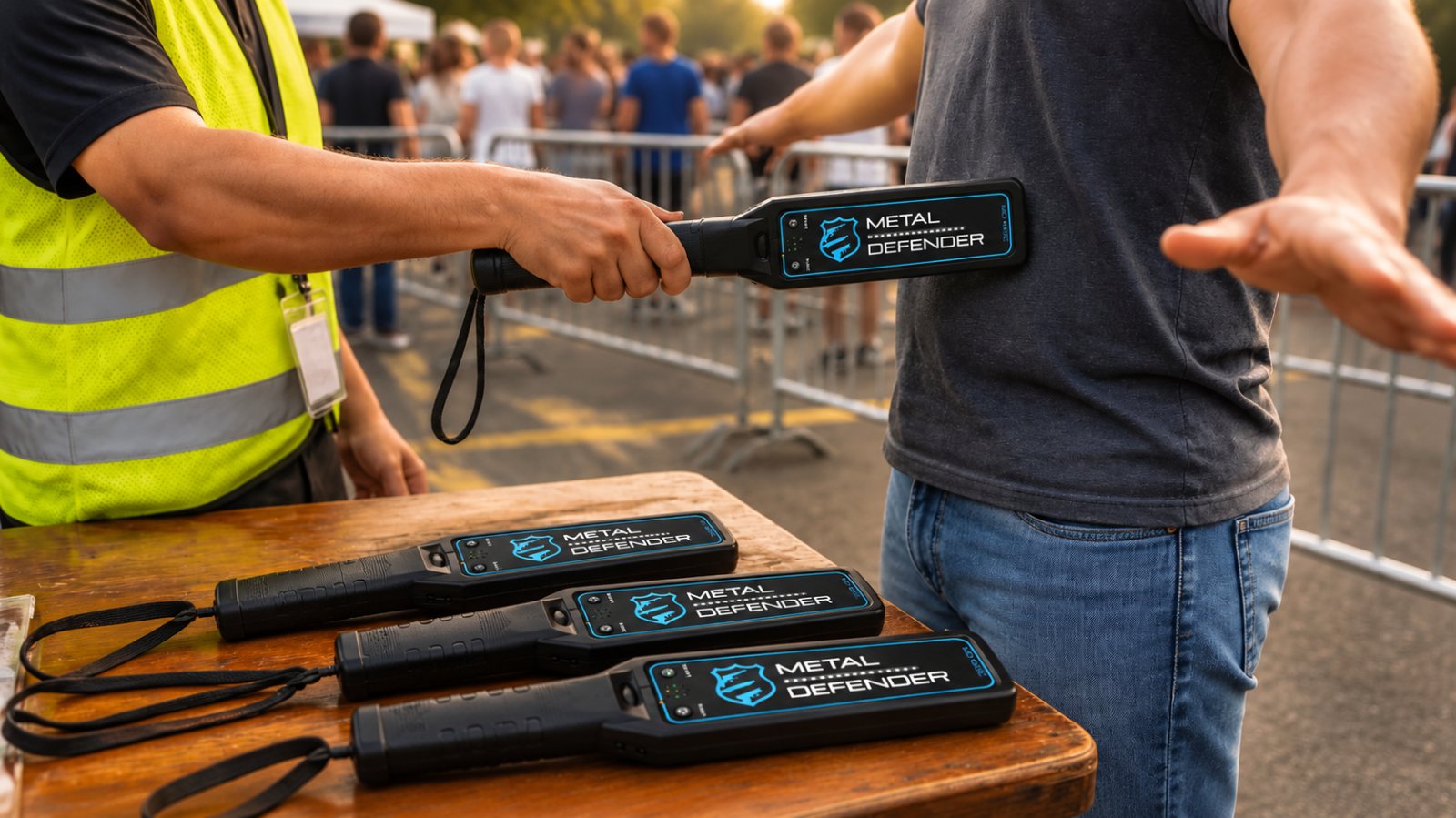
- A hand-held wand check takes 10 to 20 seconds per person at the resolution station.
- Use the lane-count formula: peak arrivals per minute times per-person screening minutes, divided by target wait.
- Staff one wanded resolution station per two to three walk-through lanes, set off the main lane.
- Renting beats buying when screening demand is seasonal or tied to specific event dates.
Table of Contents
- Why High-Traffic Security Screening Fails Without the Right Equipment
- Walk-Through Metal Detectors for Events: The Throughput Backbone
- Event Security Checkpoint Setup: Lanes, Layout, and Staffing
- Metal Detector Rental for Events: Matching Cost to the Calendar
- Crowd Screening Best Practices That Keep Queues Moving
- Throughput Benchmarks and Queue Metrics to Plan Around
- Choosing Your Screening Setup by Venue and Threat Level
- Booking Your Screening Equipment for the Next High-Traffic Event
- Frequently Asked Questions
Why High-Traffic Security Screening Fails Without the Right Equipment
Most venues don't fail at security screening because they bought bad detectors. They fail because they bought the wrong mix.
The core problem is a mismatch between throughput and detection. Screening times vary by method: a hand-held wand takes longer per person than a walk-through detector, which can clear a person quickly when the alarm rate stays low.
Below, we'll show how to match equipment to crowd size, where bottlenecks hide, and how to plan a setup that holds up on your busiest night.
Walk-Through Metal Detectors for Events: The Throughput Backbone
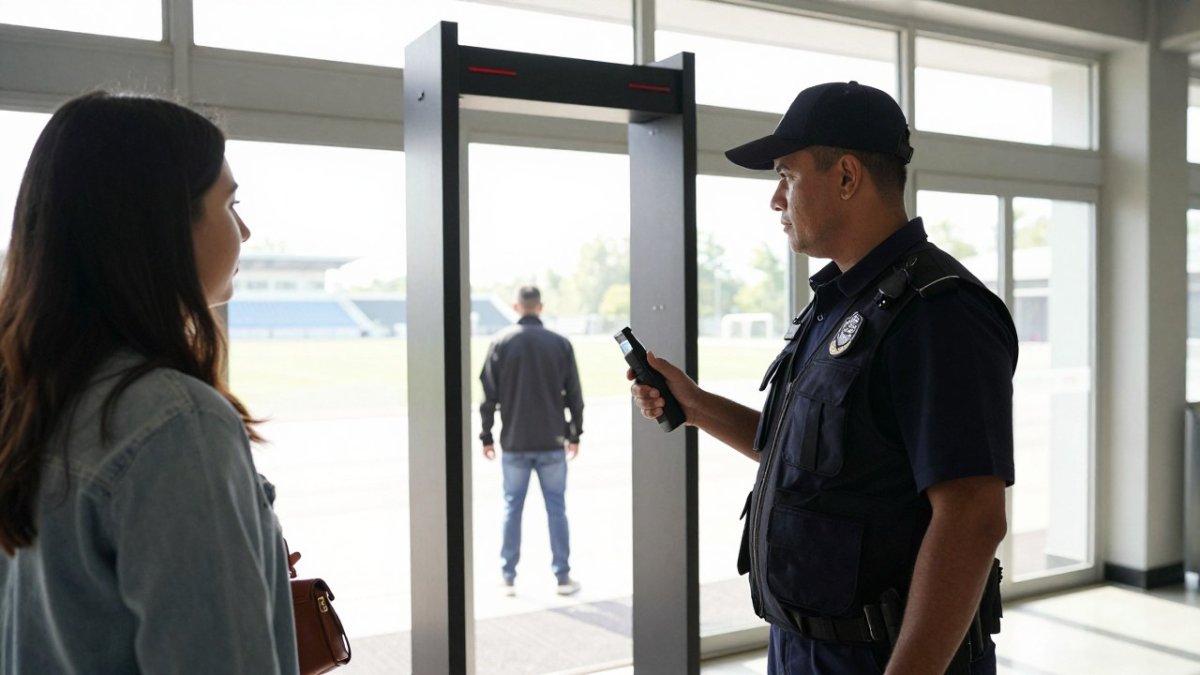
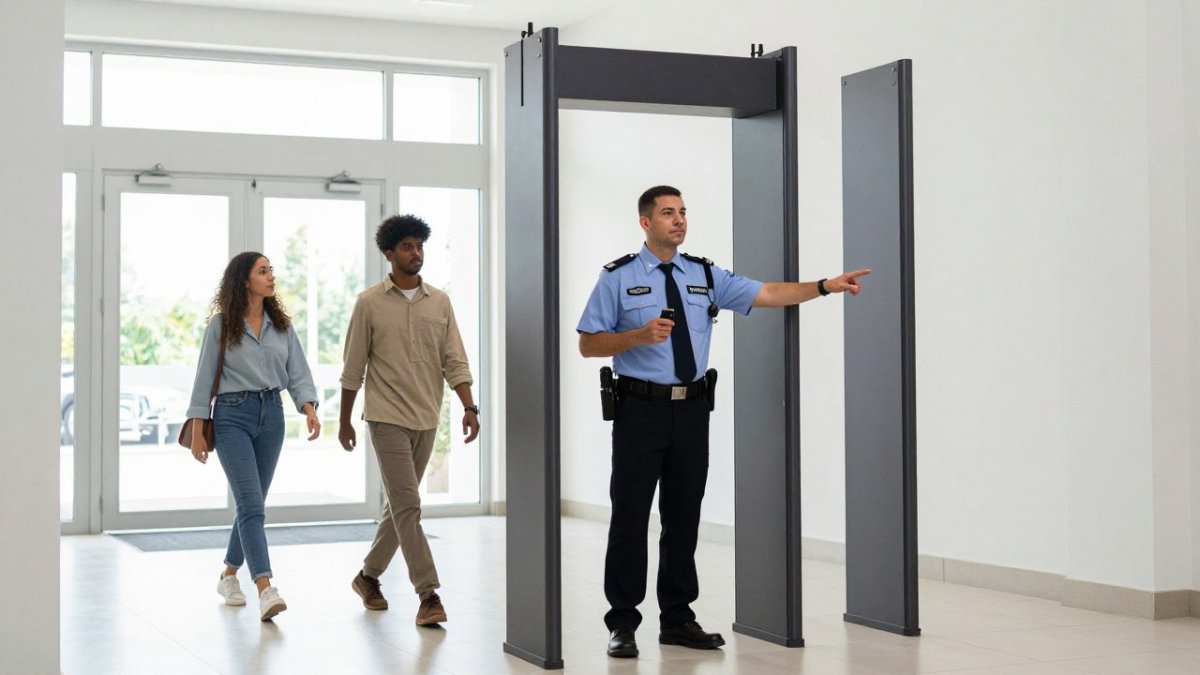
A walk-through metal detector is a freestanding archway that screens each person passing through it for concealed metal objects. It is a high-throughput screening tool for event entry and can anchor a screening lane.
Here's what most guides miss: throughput depends less on the detector than on your alarm rate.
If you're building a permanent or semi-permanent checkpoint, browse the walk-through metal detectors lineup to compare models. For temporary events, rental options are available.
Event Security Checkpoint Setup: Lanes, Layout, and Staffing
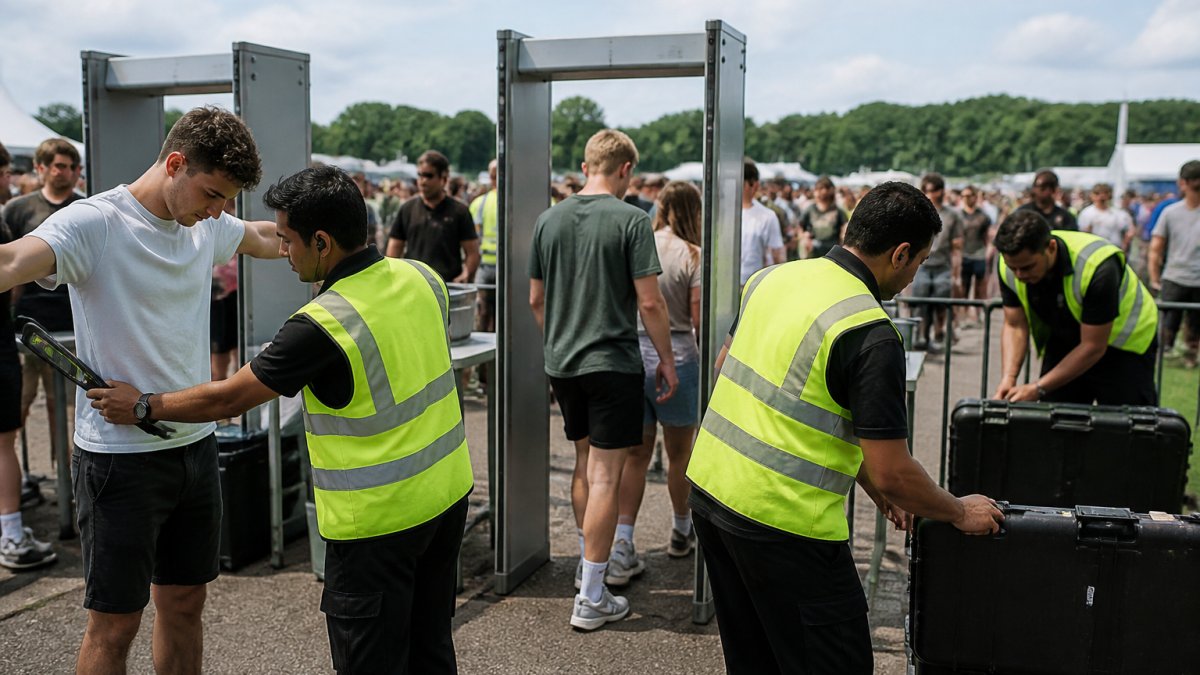
Good checkpoint layout follows one rule: separate the decisions from the detection. A workable event security checkpoint setup has four zones in sequence, each with a single job.
- Pre-screen zone: signage and staff explaining what to remove from pockets. This alone cuts alarm rates noticeably.
- Detection zone: the walk-through lane itself, with one staff member watching the alarm display.
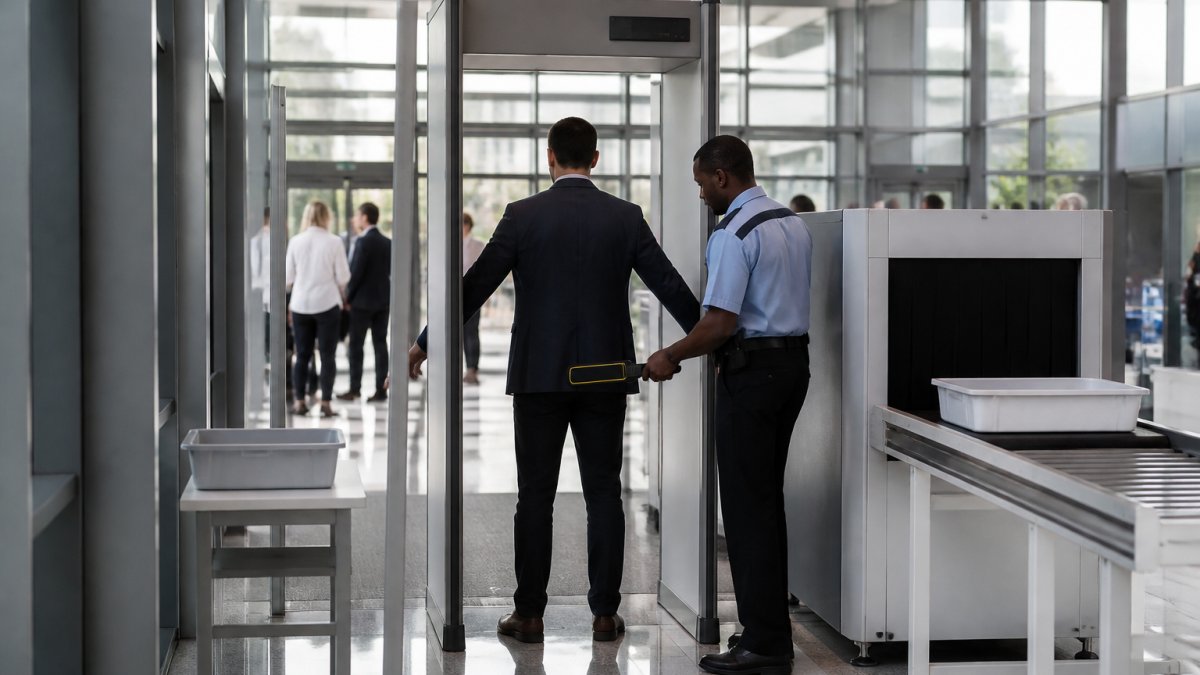
- Resolution zone: a wanding station set off to the side, so a secondary check never blocks the lane behind it.
Staffing follows the same logic: a common mistake is staffing the wanding station at the lane itself, which turns every alarm into a full stop for the entire queue.
Metal Detector Rental for Events: Matching Cost to the Calendar
Renting beats buying when screening demand is seasonal or tied to specific dates. A venue hosting six large events a year doesn't need permanent hardware idle for ten months, and a school that screens only for graduation and athletic finals has the same math.
The cost question is really a calendar question: how many days per year you'll screen, how many lanes you need at peak, and whether you need setup support.
For venues weighing the two paths, the rental options page lays out how short-term agreements work, and the breakdown of portable metal detector rental cost for events covers what drives the quote up or down. Booking early is advisable, since availability can tighten around peak event season.
Crowd Screening Best Practices That Keep Queues Moving
Effective crowd screening best practices come down to managing the arrival curve, not just the screening line. Physical infrastructure plays a vital role in this flow, as the strategic placement of crowd control barriers effectively channels attendees into organized queues to prevent bottlenecks before they reach the security checkpoint.
Start by staggering arrival. Timed entry windows, early-open gates, and separate lanes for pre-cleared staff and vendors flatten the curve before anyone reaches a detector. Then reduce per-person time: clear signage on what to remove, trays for keys and phones, and a stated policy that speeds decisions.
Watch out: an under-staffed resolution station is a common cause of throughput problems, since a single alarm that takes a couple of minutes to resolve can back up an entire lane. For a deeper look at the mechanics, this guide on improving throughput at security checkpoints walks through the operational side.
Contact Us For Your Ordering & Rental Needs →
Throughput Benchmarks and Queue Metrics to Plan Around
Staffing is easier to plan when arrival patterns are measured, and high-traffic screening problems often trace back to not modelling the arrival curve. You don't need expensive analytics, just four numbers and a simple formula.
The four numbers every venue should know
- Peak arrival rate (people per minute). Not total attendance, the busiest 15-minute window. At a 20,000-seat arena, that's often 30-45 minutes before showtime, running 3-5x the average arrival rate. Count gate scans in 5-minute buckets for one event and the spike is obvious.
- Per-person screening time (seconds). Time from entering the lane to being cleared. A walk-through metal detector with a low alarm rate can clear a person quickly; a hand-held wand takes longer per person; a bag check adds further time.
- Alarm rate (alarms per 100 people). The hidden throughput killer. At 5%, one in twenty people needs a secondary check; at 20%, one in five, and every alarm can add 10-30 seconds while the lane waits.
- Target wait time (minutes). Set it explicitly. Venues set target wait times that suit their own events. The target drives lane count, not the other way around.
The lane-count formula
Use this planning equation:
Lanes needed = (Peak arrivals per minute × Average per-person screening time in minutes) ÷ Target wait in minutes
Example: 60 people per minute arriving, 0.05 minutes (3 seconds) average screening time, 5-minute target wait → (60 × 0.05) ÷ 5 = 0.6, so one lane is theoretically enough. But add a 15% alarm rate with 20-second resolution and effective per-person time rises to roughly 6 seconds, now you need 1.2 lanes, so plan for two. That's why practitioners round up and add a buffer lane for surge.
Benchmarks to plan against
| Metric | Typical range | What it tells you |
|---|---|---|
| Walk-through throughput (low alarm rate) | 600-1,200 people/hour per lane | Theoretical ceiling; real rates depend on alarm handling |
| Walk-through throughput (high alarm rate) | 300-600 people/hour per lane | What most venues actually see without pre-screen |
| Hand-held wand check | 10-20 seconds per person | Resolution station capacity, not primary screening |
| Bag check (visual or X-ray) | 15-45 seconds per bag | Often the true bottleneck at venues with bags |
| Peak queue length target | Under 5 minutes of wait | Service-level target; convert to people using arrival rate |
Queue metrics to track from event one
- Peak queue length at the busiest 15 minutes, convert to wait time using your arrival rate.
- Alarm rate by lane, a lane with double the average usually has a sensitivity or signage problem.
- Resolution station utilization, busy more than 30% of the time means you're under-staffed there, not under-equipped at the lane.
If your modeled lane count looks impossible to staff, a lower alarm rate or a second resolution station may help more than faster wanding. Hand-held units can resolve alarms and screen overflow, but they are generally not the primary screening at a high-traffic entry.
Choosing Your Screening Setup by Venue and Threat Level
There's no universal best security screening for high traffic because the right answer depends on two variables: how many people arrive per hour, and what you're screening for. The matrix below maps common venue types to traffic profiles, threat priorities, and a recommended screening stack, then explains the integration details that decide whether the stack actually works.
Venue-by-threat selection matrix
| Venue type | Peak traffic profile | Primary threat focus | Recommended stack | Integration notes |
|---|---|---|---|---|
| Stadiums and arenas | 5,000-20,000+ per hour at gates | Weapons, prohibited items, crowd safety | Walk-through metal detectors as backbone; hand wands at resolution stations; dedicated bag-check path | Lane design must separate resolution from detection; coordinate with access control and incident response |
| Transit hubs (rail, bus) | Continuous flow, 1,000-10,000 per hour | Concealed weapons, unattended bags | Walk-through lanes at primary entrances; random or targeted bag inspection; explosive trace detection where policy requires | Staffing must cover shift changes; alarms should tie into station security systems |
| Schools | 500-3,000 per hour at bell times | Weapons, contraband | Walk-through detectors at main entrances with sensitivity tuned to reduce false alarms; hand wands for exceptions | Pre-communication with students and staff; clear policy on belts, jewelry, and electronics |
| Warehouses and industrial sites | Concentrated shift-change windows, 200-1,000 per hour | Theft, prohibited items, unauthorized access | Hand-held wands and entry control at shift change; walk-through lanes only at high-volume gates | Integrate with badge/access control; screening must not bottleneck shift start |
| Government and public buildings | 100-1,000 per hour, appointment-driven | Weapons, parcels, policy compliance | Layered screening: walk-through detection plus bag and parcel inspection; X-ray where volume justifies | Match to access-control policy; document data handling and privacy rules |
| Retail and entertainment districts | Variable, event-driven | Weapons, crowd incidents | Portable walk-through lanes at entrances during peak; hand wands for overflow | Temporary layout must account for fire egress and queue spillover |
How to read the matrix
The pattern is consistent: walk-through hardware carries volume, hand-held units handle exceptions, and layout decides whether either performs. But venues diverge. A transit hub with continuous flow needs different staffing than a stadium with a 45-minute surge. A school needs sensitivity tuned for belts and jewelry; a warehouse needs speed at shift change more than thoroughness.
Integration details that decide success
A high-traffic screening recommendation is incomplete without these operational specifics:
- Lane design and facility layout. Resolution stations must sit off the main lane so an alarm never blocks the queue. Re-entry and exit paths should be separate from arrival paths. At temporary events, confirm the layout preserves fire egress.
- Staffing levels. One operator per walk-through lane, one wanded resolution station per two to three lanes, and a floating supervisor to redirect overflow. Staff the resolution station, not the lane itself.
- Alarm handling and escalation. Define who wands, where, how long, and when law enforcement is called. Ambiguity here is a throughput killer.
The general pattern across venue types is to match the stack to the arrival curve, staff the resolution station, and measure alarm rate from the first event.
Booking Your Screening Equipment for the Next High-Traffic Event
Book before your event calendar fills, not after the first queue photo goes viral. Start with a lane count based on peak arrival rate, choose rental or purchase based on how many screening days you actually have, and confirm setup support and maintenance terms in writing.
At Metal Defender, we build both walk-through and hand-held detection equipment and offer direct sales, leasing, and rentals, so you can match the acquisition model to your calendar. Get started with Metal Defender to plan a checkpoint for your busiest crowds. Contact us for ordering and rental needs.
Frequently Asked Questions
Are walk-through or hand-held metal detectors better for large crowds?
Walk-through detectors handle volume. A single unit can screen a steady stream of attendees at a fixed entry point, which keeps lines moving when thousands of people arrive at once. Hand-held wands are the secondary layer: staff use them to resolve alarms, screen people who cannot pass through a gateway, and cover side entrances or VIP lanes. Most high-traffic venues run both together. In general, walk-through units set the pace at a main gate, while hand-held units add flexibility where the layout or crowd flow changes.
How many security screening lanes does a large event need?
Work backwards from arrival spikes, not total attendance. Estimate the peak number of people arriving in any 15-minute window, then divide by the per-lane throughput your equipment and staffing can sustain. Add at least one spare lane so a single equipment fault or staff break does not stall the gate. Venues that open multiple entry points and stagger gate times need fewer lanes at each door. Run a timed rehearsal before the event to confirm the lane count holds up under real conditions.
Can security screening equipment be rented for a one-time event?
Yes. Rental and leasing options exist specifically for venues that need screening for a single event, a season, or a short contract rather than a permanent installation. Renting avoids a large capital purchase and lets you test equipment in your actual venue before committing. When comparing rental quotes, confirm what is included: delivery, setup, staff training, maintenance during the event, and collection. Ask about lead times too, since peak event dates book out early.
How do you reduce wait times at event security checkpoints?
Three levers matter most. First, match lane count to the arrival peak, not average attendance. Second, pre-screen what you can: clear bag policies and published prohibited-items lists cut the number of alarm resolutions per person. Third, separate the flow: dedicated lanes for staff, VIPs, and accessibility needs stop one slow screening from blocking the main queue. Position staff ahead of the detector to coach attendees on removing keys, phones, and belts before they reach the gateway.