 Ultimate guide
Best Practices for School Security Screening
Last Updated: November 4, 2026
Quick Summary
Effective school security screening works as a layered system, not a piece of equipment: control perimeter entry points, screen at a primary entry, and secure the interior. Define in writing what staff do when a device alerts, and rehearse it. Choose detectors by sensitivity controls, throughput, and support terms matched to your building.
- Start with a risk assessment before selecting any screening technology, following CISA's layered K-12 approach.
- Assign daily, weekly, monthly, and annual maintenance tasks to named staff with backups.
- Separate visitor traffic from student screening so the two queues do not collide at peak.
- Apply screening consistently to all students and use calm, neutral de-escalation language at every alert.
- Match purchase versus rental to your funding cycle and confidence in the deployment.
Table of Contents
- Why School Security Screening Needs a Plan, Not Just Equipment
- School Security Screening Procedures That Work in Practice
- Choosing a Walk-Through Metal Detector for Schools
- School Visitor Screening Best Practices
- School Security Equipment Maintenance and Testing Schedules
- Trauma-Informed Screening That Respects Student Dignity
- Evaluating Whether Your Screening Program Actually Works
- Planning Your Screening Equipment Purchase or Rental
- Frequently Asked Questions
Why School Security Screening Needs a Plan, Not Just Equipment
Metal detectors alone do not make a school safer.
This guide covers effective screening procedures, how to choose a walk-through metal detector for schools, maintenance, and how to measure whether it works.
Here is the core argument: districts that treat screening as a procurement decision get detectors.
Start with a risk assessment. CISA's K-12 School Security Guide lays out a layered approach that begins with understanding your specific vulnerabilities before selecting any technology.
School Security Screening Procedures That Work in Practice
Effective school security screening procedures are layered, rehearsed, and define exactly what staff do when something goes wrong. Procedures written once and filed away do not count.
Layered Screening: Perimeter, Entry, and Interior
- Perimeter: controlled entry points, limited points of entry, and clear sight lines so staff can see who is approaching before they reach a door.
- Entry: the primary screening point, whether that is a walk-through detector, a hand wand, or a visitor management check-in.
- Interior: classroom locks, door security, and interior visibility that limit movement once someone is inside.
A common mistake is investing heavily in the entry layer while leaving perimeter doors propped open. Screening at the front door means nothing if the side entrance is unmonitored. Walk the campus and count every door a person could realistically use.
What Staff Do When a Screening Device Alerts
This is where most programs fall apart. An alert is not a crisis, but it becomes one if staff have not rehearsed a response.
Define the sequence in writing: who steps forward, where the person waits, who takes the item, who notifies administration, and when law enforcement is involved. Script de-escalation language rather than improvising under pressure.
Choosing a Walk-Through Metal Detector for Schools
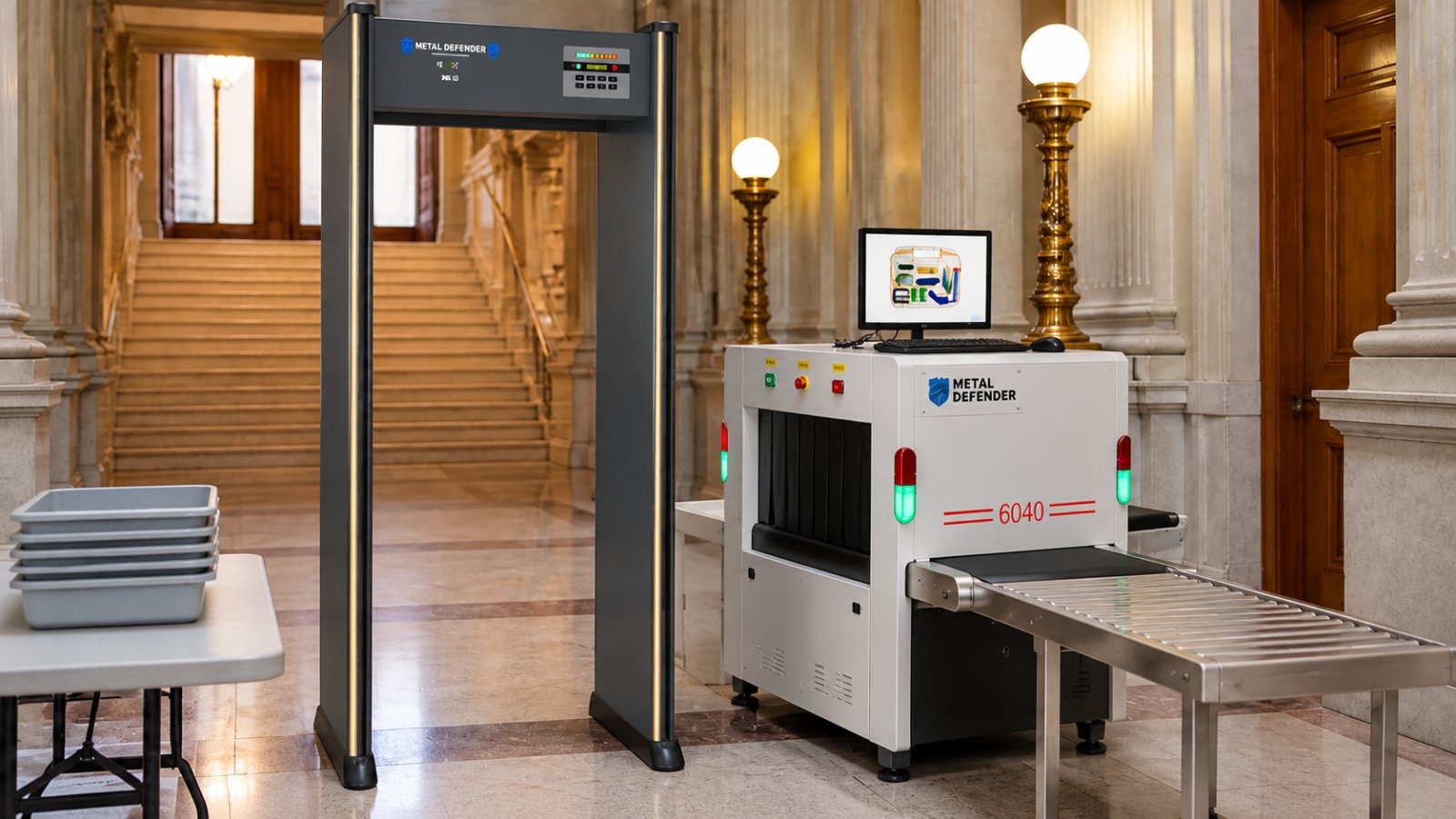
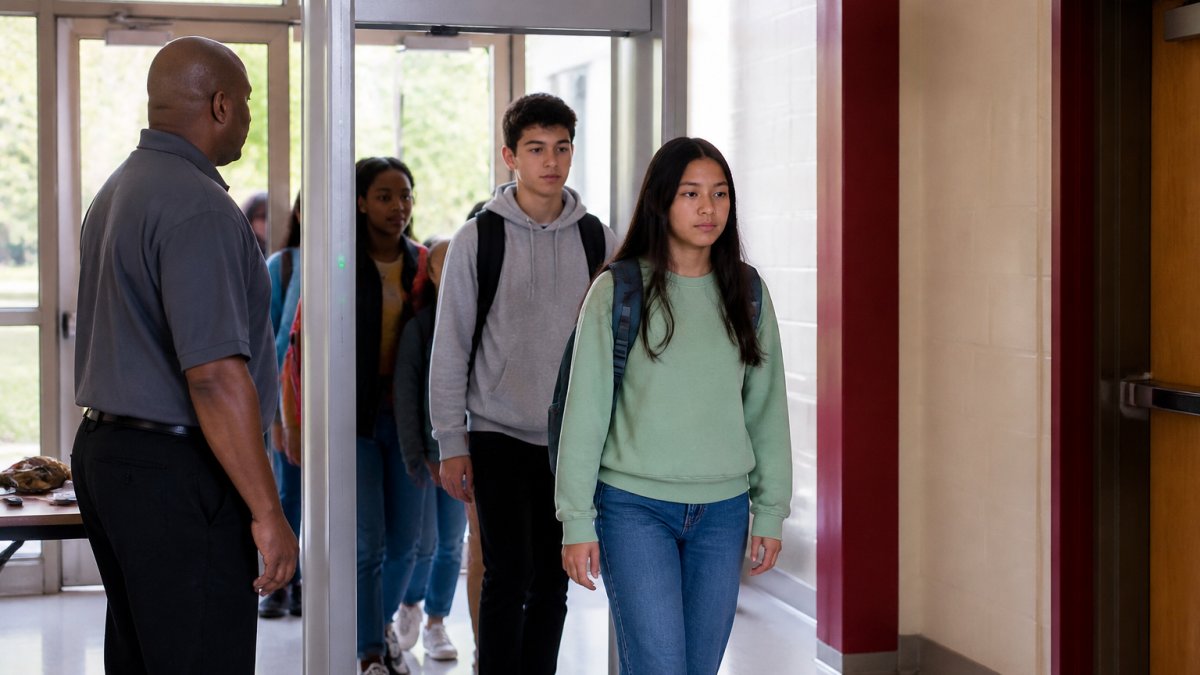
Choose a walk-through metal detector for schools by matching sensitivity controls, throughput capacity, and support terms to your actual building, not by picking the unit with the longest feature list.
School Visitor Screening Best Practices
School visitor screening best practices start with a single controlled entrance and a documented check-in process for every non-student or non-staff person. Visitor management catches what a metal detector cannot: who belongs on campus and why.
A workable visitor process includes:
- One designated visitor entrance, clearly signed, with all other exterior doors locked during instructional hours.
- Government-issued ID check and a log of name, time in, and time out.
- A printed badge that identifies the visitor and the purpose of the visit.
Procedural discipline matters more than the software: if the front office waves in a familiar parent without logging them, the system is decorative.
Designing the Visitor Queue So It Does Not Collide With Student Arrival
The most common operational failure is timing. Visitor traffic peaks during drop-off, volunteer arrivals, and vendor deliveries, the same twenty minutes student screening runs at full capacity. If the visitor desk shares a staff member with student entry, one line starves the other.
Separate the flows physically where possible: a visitor window offset from the student lane, with its own signage and staff member.
Identity Verification Without Humiliation
Visitor screening is dignity-sensitive. A parent asked for ID in front of a full lobby may comply, but the interaction colors how the whole program is perceived. Train staff to use a neutral, consistent script applied to every visitor so no one feels singled out, and provide a private space for the rare case where verification fails and the conversation must continue out of earshot.
Custody, Restraining Orders, and the Visitor Log
Visitor screening intersects with family law more often than districts anticipate. Schools maintain lists of adults barred from campus due to custody or restraining orders, and check-in is when that list gets enforced. The restricted-adult list must be current, stored where the front office can check it in seconds, and reviewed on a defined schedule with legal counsel.
Measuring Whether Visitor Screening Is Actually Working
Track monthly with the safety committee: the percentage of visitors logged and badged versus those entering through other doors, average check-in time at peak, denial or escalation events, and weekly log completeness. Rising unlogged visitors signal an understaffed front office or a propped side door. The goal is evidence that the controlled entrance is the entrance people use.
School Security Equipment Maintenance and Testing Schedules
School security equipment maintenance should follow a written schedule with daily, monthly, and annual tasks assigned to named staff. When maintenance checks reveal recurring faults, use the findings to refine staff responsibilities and procedures so the whole team can manage school site security consistently.
A schedule that holds up in practice:
| Frequency | Task | Owner |
|---|---|---|
| Daily | Power-on check, walk-through test with test object, clear entry path | Front office staff |
| Weekly | Review alert logs, adjust sensitivity if patterns emerge | Security lead |
| Monthly | Full calibration check, inspect cables and housing, test backup power | Facilities |
| Annually | Vendor service, staff refresher training, procedure review | Administration |
Log every test. For a complete maintenance and support guide with a concrete schedule to adopt, see The Complete Guide to Security Detector Maintenance and Support.
Contact Us For Your Ordering & Rental Needs →
The Failure Modes the Schedule Is Designed to Catch
Walk-through detectors fail predictably. Sensitivity drifts after months of vibration and temperature swings at exterior doors, so a unit that caught a test object in September may miss it by January. Cables and connectors at the base wear from foot traffic and cleaning equipment.
Watch out: a detector that passes the daily test object check can still be misconfigured for the school's threat profile.
Staffing the Schedule When No One Owns Maintenance
Most districts have no dedicated security equipment technician; maintenance lands on front-office staff, facilities, or a security lead with other duties. The schedule survives only if each task has a named owner and backup, and is short enough to happen on a busy morning.
Write the daily and weekly tasks into the front-office opening procedure so they are part of the routine. Monthly calibration and backup-power testing belong with facilities, whose staff already carry inspection routines.
Alert Logs, Data Retention, and Vendor Access
Alert logs are operational records and may contain information about individual students. Define what they record, who can access them, retention, and protection.
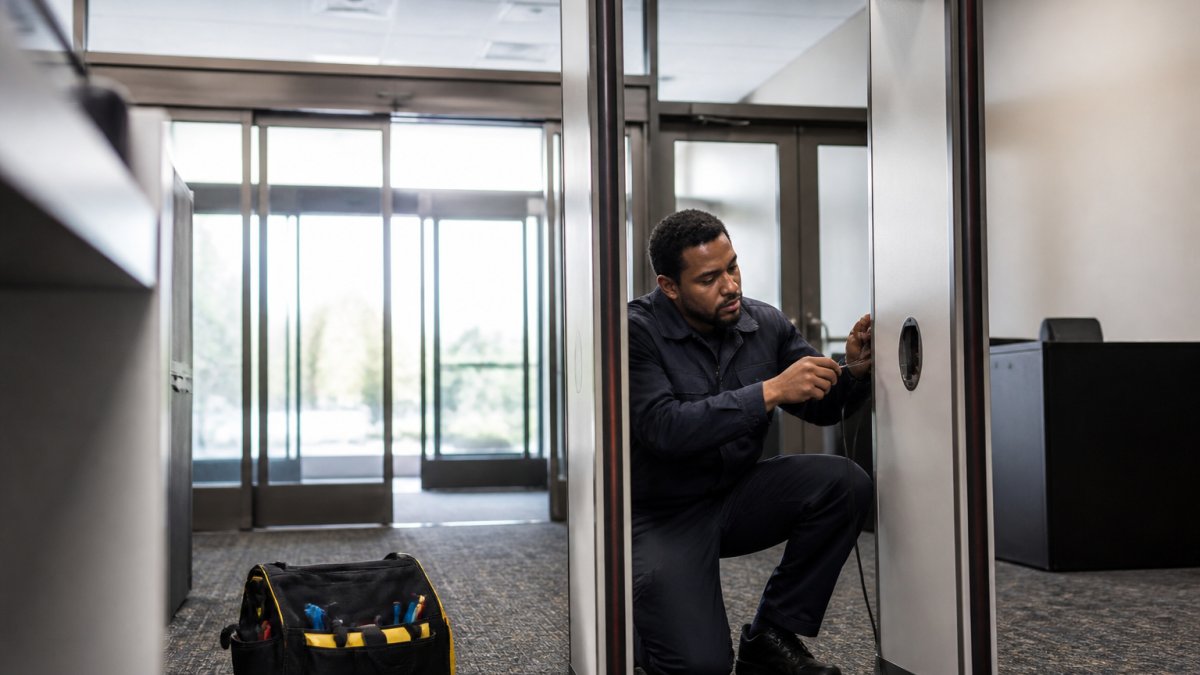
Vendor service visits are also an access-control event. A technician working on a detector at a school entrance should be badged, escorted where the building requires it, and scheduled outside arrival and dismissal peaks.
Total Cost of Ownership, Not Just the Purchase Price
Maintenance is where the lifecycle cost of screening equipment becomes real. Budget for service visits, replacement parts, staff training hours, backup batteries, and eventual replacement of units that reach end of life.
Review the maintenance log annually against the budget and the evaluation metrics for the screening program. If false alarms are rising and calibration is not correcting them, the equipment may be nearing replacement rather than needing another service call.
Trauma-Informed Screening That Respects Student Dignity
Screening can feel like suspicion, and students notice.
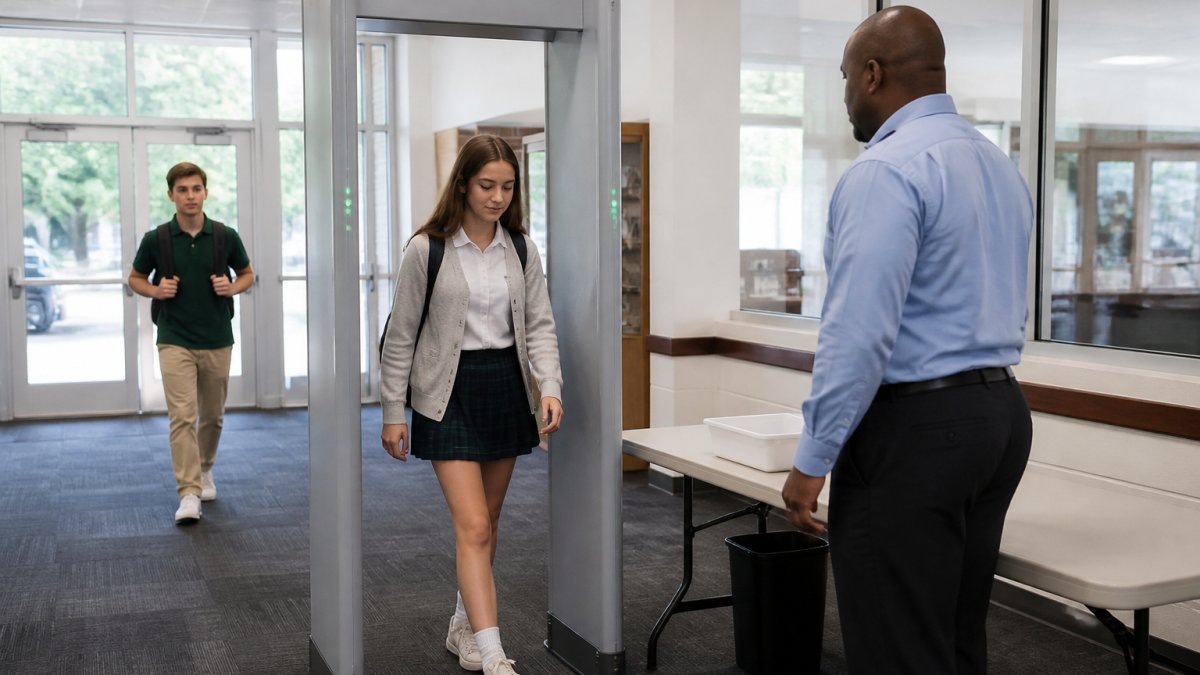
Explain the process to students beforehand in plain language so the first walk-through is not a surprise. Train staff to use calm, neutral de-escalation language at every alert.
Watch out: a screening program that humiliates students will generate the resistance that eventually gets it cancelled. Consistency and calm are operational necessities, not courtesies.
Evaluating Whether Your Screening Program Actually Works
Measure the program, not the equipment. A screening program is working when alerts are handled correctly, lines move at the expected rate, and incidents decline over time. Vanity metrics like "detectors installed" tell you nothing.
Review these with your safety committee and adjust. The sensitivity settings you chose in September may need revision by November. If the data shows a persistent bottleneck or a rising false alarm rate, change something rather than accepting it.
Planning Your Screening Equipment Purchase or Rental
Decide between purchase and rental by matching the equipment term to your funding cycle and your confidence in the deployment.
If budget cuts have frozen capital spending, rental lets you run a pilot without a large commitment. Review Rental Options to see stress-free, affordable walk-through metal detector rentals.
Build a lifecycle plan either way. Account for service, replacement parts, staff training hours, and the cost of the procedures themselves, not just the hardware.
The challenge is not finding a detector.
Frequently Asked Questions
What are the best practices for school security screening?
Start with a risk assessment, then layer your measures: controlled entry points, visitor management, and screening at the main entrance. Write screening procedures down and train every staff member who runs them. Test equipment on a fixed schedule, and review incident data each term. The goal is consistency: the same process every morning, applied to students, staff, and visitors alike, with a clear plan for what happens when a device alerts.
How can schools use walk-through metal detectors effectively?
Place detectors at the single main entry so every person passes through one checkpoint, and staff the lane with at least two trained people: one to watch the display, one to handle alerts. Set sensitivity so belt buckles and jewelry do not trigger constant alarms, and run a test pass with common student items before going live. A walk-through metal detector for schools works best when arrival is staggered or multiple lanes open at peak times to keep lines moving.
How often should school security screening equipment be tested and maintained?
Run a daily functional check before the doors open: pass a test object through each detector and confirm the alert fires. Do a fuller calibration monthly, and schedule professional servicing at least annually or per the manufacturer's guidance. Keep a log of every test and repair. School security equipment maintenance records matter during audits and insurance reviews, and they show staff the equipment is reliable, which builds confidence in the screening process.
How can schools balance security screening with student privacy and dignity?
Explain the process to students before it starts, keep alerts private, and never single students out in front of peers. Train staff to use calm, scripted language and to resolve alerts discreetly, away from the main line. Screening should apply to everyone equally so no group feels targeted. Pair physical screening with trauma-informed practices and de-escalation training, and give students a way to raise concerns about how screening is carried out.
What should staff do when a screening device alerts?
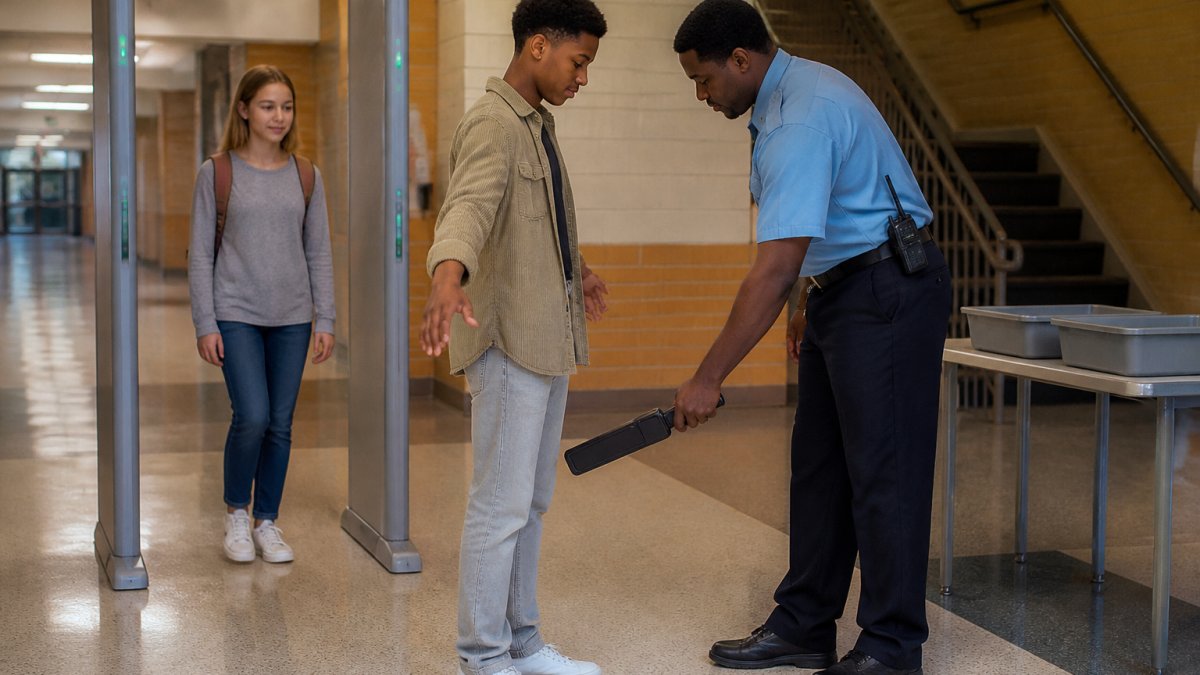
Pause the line, ask the person to step aside calmly, and repeat the pass once to rule out a false alarm from keys or a belt. If the alert repeats, use a hand-held wand to locate the item and ask the person to remove it. Never physically search a student; follow your district policy and involve an administrator. Log the alert, the item, and the resolution, and review patterns weekly so sensitivity settings can be adjusted.
How can schools reduce delays and long lines during security screening?
Measure your arrival flow first: count how many people pass through in a ten-minute window at peak time. Open additional lanes or stagger arrival by grade or bus group. Ask students to hold phones and metal items in their hands or place bags on a side table before passing through, which cuts repeat alarms. High-throughput systems and pre-entry reminders sent to families the week before launch both reduce bottlenecks noticeably.